Home · Black · ~Two Gradients in One! Yay!~ Request
Click and drag to rotate
Black
~Two Gradients in One! Yay!~ Request
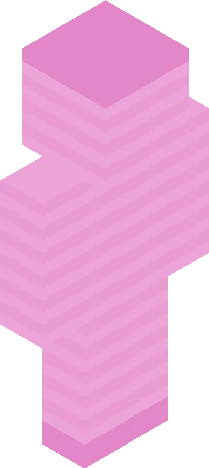
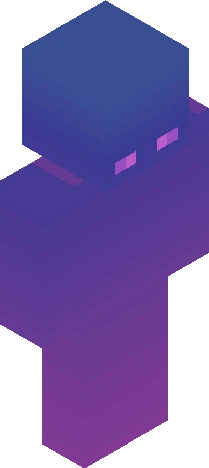
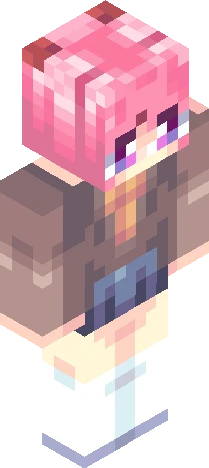
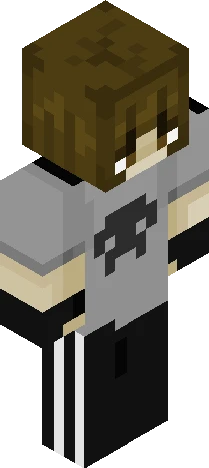
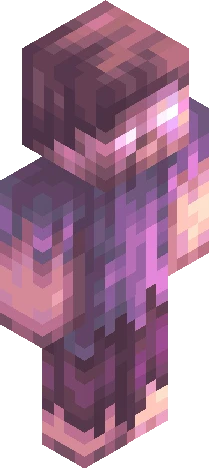
Request/Gift for my bro^^ Not at all my smoothest gradient, the smoothest part is the head 'n left arm. Anyway, REASON FOR DIS BEING MADE ISSSSS: My bro's just published their Roblox game^^ I wanna support em by making a skin asking yall to go play the game <3 The game is a power-based fighting game. Looks quite fun, haven't played tho as I ain't age-checked lol The game name is: Mayhem Battle Grounds Their group name is: New Dawn Studios. Alr- Dats all. Am finding use for my 200+ followers xDD Am still quitting tho- ANYWAYYYY Have a wonderful day/night! The gradient is a purple to pink while ALSO getting dark, two gradients in one :3 Hence why it so smooth-
64×64 · classic or slim is detected from the PNG
Eaglercraft · Minecraft
在 Eaglercraft 中使用这款皮肤
下载 PNG,然后在你已经使用的 Eaglercraft 客户端里应用。菜单因网站而异。本站不提供游戏客户端。
- 1Download the PNG with the button above.
- 2Open your Eaglercraft 1.8 client in the browser.
- 3On the title screen, open Options, then the skin control. It is often named Skin or Change Skin.
- 4Upload this PNG, or paste a direct image link if that menu asks for a URL.
- 5Join a world. The skin stays in this browser for that client.
Standard model · 64×64. 我们不会索要游戏密码。皮肤文件只是图片。
在 Minecraft 中使用这款皮肤
- 1Download the same PNG.
- 2In the Minecraft Launcher, open Skins and choose a new skin.
- 3Pick classic or slim so the arms match this skin, then upload the file.
- 4Bedrock can use this artwork where that device lets you import a custom skin PNG. The file itself is the standard Java skin layout.