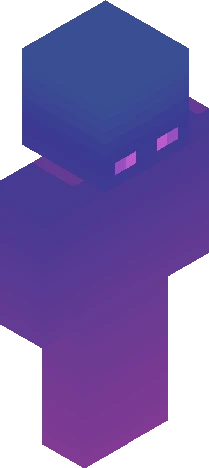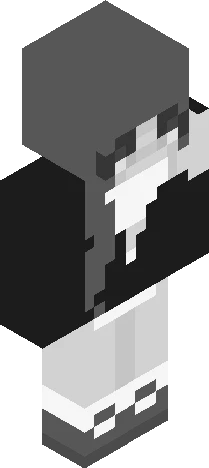
Home · Arty006 · - Palette Contest - kinda :)
Click and drag to rotate
Arty006
- Palette Contest - kinda :)
*show more* Hello beautiful people~ I finally decided what to do to celebrate 200 followers! btw tysm yall :3 So, as you can see by the title, its going to be a palette contest! ... w/ a plot twist hehehe YOU have to genereate your own palette! Just search it up "random color generator" and generate 4 colors! i repeate, FOUR COLORS! them make those your new palette! ALSO if you don't want or dont like any of the palettes you end up w/, you can just ask me for one! Rules: - Skindex rules ofc - No stealing other entrys - Genereate ONLY FOUR (4) COLORS!! - IF you feel like you reaaallyyy need it, you can use a skin and/or hair color of your liking... -No invite needed! - Put you colors hex code on the descripitiond so i can see it - Due on the 10th of october (yes, its a long time) - Pls tag it "ArtyPalette200" Prizes to be defined~ ty for reading! - ArtyZero
64×64 · classic or slim is detected from the PNG
Eaglercraft · Minecraft
在 Eaglercraft 中使用这款皮肤
下载 PNG,然后在你已经使用的 Eaglercraft 客户端里应用。菜单因网站而异。本站不提供游戏客户端。
- 1Download the PNG with the button above.
- 2Open your Eaglercraft 1.8 client in the browser.
- 3On the title screen, open Options, then the skin control. It is often named Skin or Change Skin.
- 4Upload this PNG, or paste a direct image link if that menu asks for a URL.
- 5Join a world. The skin stays in this browser for that client.
Standard model · 64×64. 我们不会索要游戏密码。皮肤文件只是图片。
在 Minecraft 中使用这款皮肤
- 1Download the same PNG.
- 2In the Minecraft Launcher, open Skins and choose a new skin.
- 3Pick classic or slim so the arms match this skin, then upload the file.
- 4Bedrock can use this artwork where that device lets you import a custom skin PNG. The file itself is the standard Java skin layout.
Similar skins



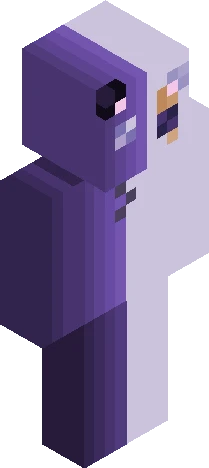

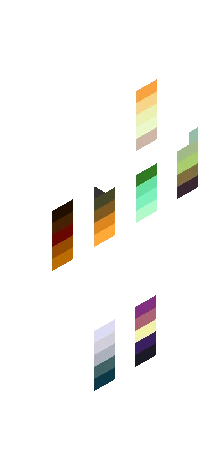
800 Followers Palette Contest ~ Read Description Prior to Joining
64×64 PNG · Java, Bedrock, Eaglercraft
Edit skin
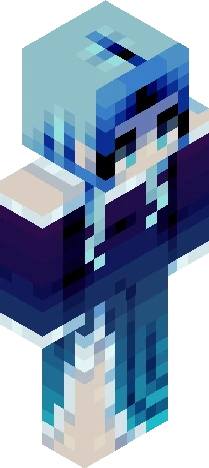

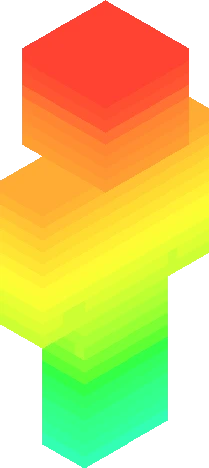
gradient credit to kateseacreature for creating the gradient
64×64 PNG · Java, Bedrock, Eaglercraft
Edit skin