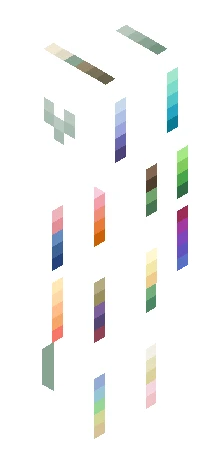
Home · Bysunset · -=300 Follower Contest Results=-
Click and drag to rotate
Bysunset
-=300 Follower Contest Results=-
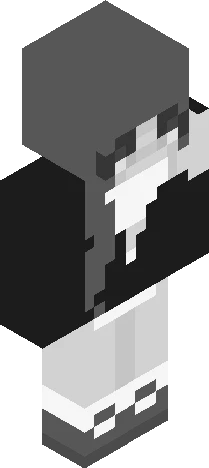
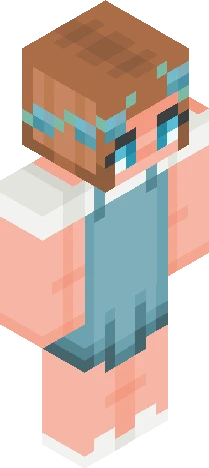
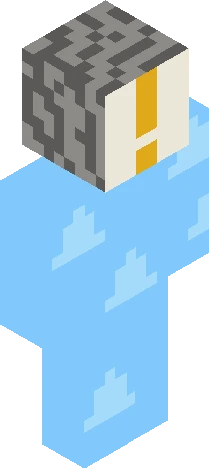
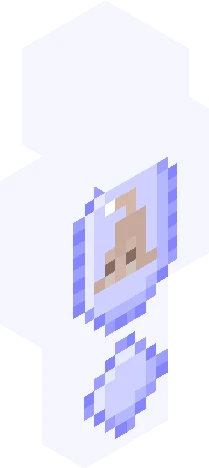
Show moar It was very hard to choose the top places because you all did great, but here’s our winners! HM: pickleperson27~ https://www.minecraftskins.com/skin/24339622/bonk-life-on-the-head-and-run-away-screaming/ I just love this title XD thatdxppressedwolfy~ https://www.minecraftskins.com/skin/24317301/sleep-deprived-lemon-working-overtime-at-the-button-factory/ really cute skin <33 I was only gonna put two honorable mentions, but I would just like to say I loved Honeybee467’s title as well and her skin is cute https://www.minecraftskins.com/skin/24327964/-when-life-gives-you-lemons--ask-god-to-turn-them-into-wine--ce/ Okayyy now for third place! LunarSketches~ https://www.minecraftskins.com/skin/24292534/---if-life-gives-you-lemons--squeeze-them-into-the-eyes-of-your-enemies---/ Adorable skin and amazing title I just love it! Second place isss Silverstruck~ https://www.minecraftskins.com/skin/24313072/when-life-gives-you-lemons--ask-why---ce/ I LOVE the shading and the creativity and thought behind the title you did really well And last but not least. . . . imperfections in first place!!! There’s not enough space here to put the url of her skin so check the comments ToT
64×64 · classic or slim is detected from the PNG
Eaglercraft · Minecraft
Utiliser ce skin dans Eaglercraft
Télécharge le PNG, puis applique-le dans le client Eaglercraft que tu utilises déjà. Les menus varient selon l’hébergeur. Ce site ne distribue pas le jeu.
- 1Download the PNG with the button above.
- 2Open your Eaglercraft 1.8 client in the browser.
- 3On the title screen, open Options, then the skin control. It is often named Skin or Change Skin.
- 4Upload this PNG, or paste a direct image link if that menu asks for a URL.
- 5Join a world. The skin stays in this browser for that client.
Standard model · 64×64. Nous ne demandons jamais de mot de passe de jeu. Un fichier de skin n’est que de l’illustration.
Utiliser ce skin dans Minecraft
- 1Download the same PNG.
- 2In the Minecraft Launcher, open Skins and choose a new skin.
- 3Pick classic or slim so the arms match this skin, then upload the file.
- 4Bedrock can use this artwork where that device lets you import a custom skin PNG. The file itself is the standard Java skin layout.