Home · KittiesSpmSkin · Skin Contest!!
Click and drag to rotate
KittiesSpmSkin
Skin Contest!!
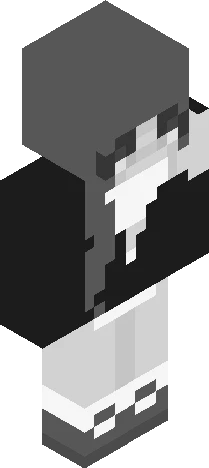
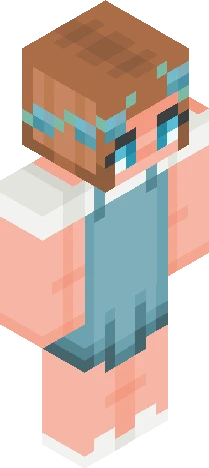
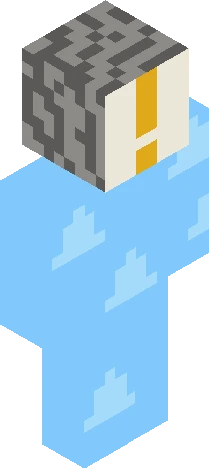
[Show More] So recently I started playing on an smp, but my main skin I use doesn't really fit the vibe I'm going for, so your job is to make me a skin to use when I'm playing! Rules: Due Oct. 5 Tag with KittiesSpmSkin Try to make it cherry blossom/(Minecraft)cherry tree themed or at least put some pink in it Please put cat ears cuz I like them on skins (and a tail if u want) Make it a girl Any questions ask away! I'll put the prizes here later, feel free to give me suggestions :3 Also the server I'm playing on is PuppySMP
64×64 · classic or slim is detected from the PNG
Eaglercraft · Minecraft
Utiliser ce skin dans Eaglercraft
Télécharge le PNG, puis applique-le dans le client Eaglercraft que tu utilises déjà. Les menus varient selon l’hébergeur. Ce site ne distribue pas le jeu.
- 1Download the PNG with the button above.
- 2Open your Eaglercraft 1.8 client in the browser.
- 3On the title screen, open Options, then the skin control. It is often named Skin or Change Skin.
- 4Upload this PNG, or paste a direct image link if that menu asks for a URL.
- 5Join a world. The skin stays in this browser for that client.
Standard model · 64×64. Nous ne demandons jamais de mot de passe de jeu. Un fichier de skin n’est que de l’illustration.
Utiliser ce skin dans Minecraft
- 1Download the same PNG.
- 2In the Minecraft Launcher, open Skins and choose a new skin.
- 3Pick classic or slim so the arms match this skin, then upload the file.
- 4Bedrock can use this artwork where that device lets you import a custom skin PNG. The file itself is the standard Java skin layout.