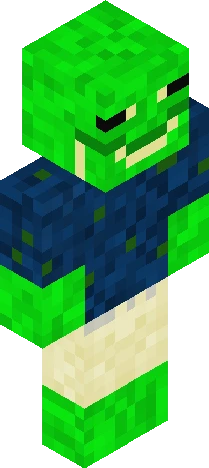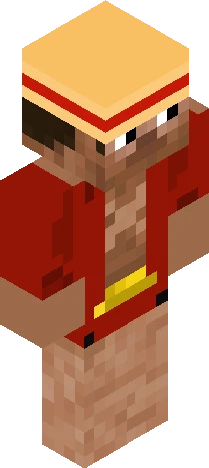
Home · Cool · Gentleman Steve V2
Click and drag to rotate
Cool
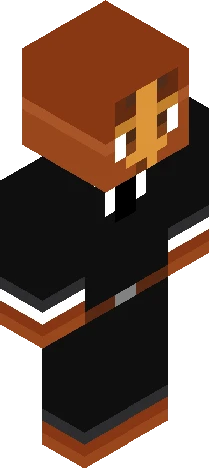
Gentleman Steve V2
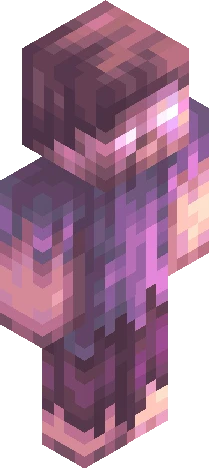
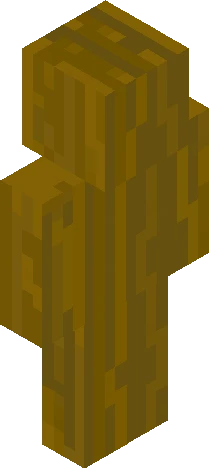
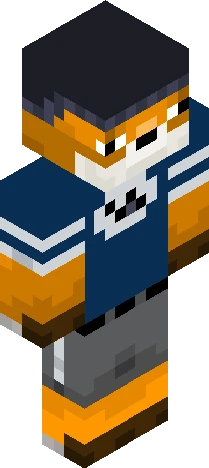
Corruptnn, this is your fourth snazzy Steve choice btw... Steve is finally getting an similarly upgraded version of Rephnix's Tuxedo! I know it has been a while since I have contributed to this, and I Genuinely enjoy Steve skins, but ONLY if you're Genuinely the right person behind the screens to embody him, not being a cringe bad person.
64×64 · classic or slim is detected from the PNG
Eaglercraft · Minecraft
在 Eaglercraft 中使用这款皮肤
下载 PNG,然后在你已经使用的 Eaglercraft 客户端里应用。菜单因网站而异。本站不提供游戏客户端。
- 1Download the PNG with the button above.
- 2Open your Eaglercraft 1.8 client in the browser.
- 3On the title screen, open Options, then the skin control. It is often named Skin or Change Skin.
- 4Upload this PNG, or paste a direct image link if that menu asks for a URL.
- 5Join a world. The skin stays in this browser for that client.
Standard model · 64×64. 我们不会索要游戏密码。皮肤文件只是图片。
在 Minecraft 中使用这款皮肤
- 1Download the same PNG.
- 2In the Minecraft Launcher, open Skins and choose a new skin.
- 3Pick classic or slim so the arms match this skin, then upload the file.
- 4Bedrock can use this artwork where that device lets you import a custom skin PNG. The file itself is the standard Java skin layout.