Home · 1st one · Marrowstar academy
Click and drag to rotate
1st one
Marrowstar academy
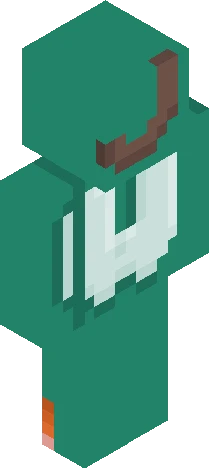
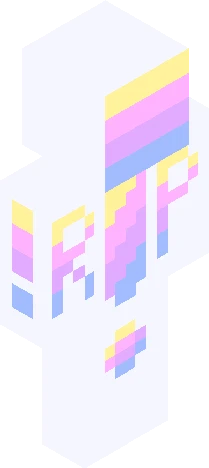
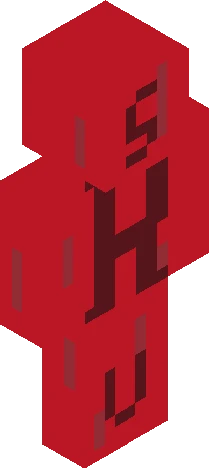
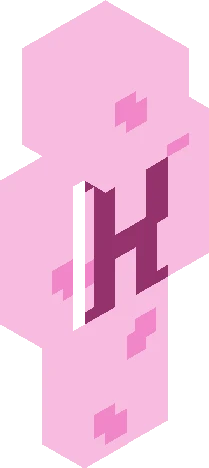
See this link for signups: https://www.minecraftskins.com/skin/24284072/rp-signups--marrowstar-academy-/ Your in the school auditorium awaiting the principal to talk. Everyone is alive with chatter. Their are banners of the four houses: Astraea, Animarum, Symphonia, and Telluris. Everyone underneath their respective houses execpt the first years awaiting sorting. Cast: primisapseudonym - Elowyn Bumble - Ayasei Hoshizora Asteris (Me) - Jasper, Evelyn Diffuls - diffuls Skins4wins - Iris, Chikn - Phoebe, Vivienne Blossom - melody Ginger - Luna RULES: Warning failure to abide by them will either get you silenced for an appropraite time or kicked (Depending on the direness) 1. be kind 2. no talking about actual religions 3. you do not have control over other peoples characters UNLESS they give YOU permission 4. Be mindful of others Also let the principal talk first unless your roleplaying of the students talking
64×64 · classic or slim is detected from the PNG
Eaglercraft · Minecraft
このスキンを Eaglercraft で使う
PNG をダウンロードし、今使っている Eaglercraft クライアントで適用します。メニューはホストごとに違います。このサイトはゲーム本体を配布しません。
- 1Download the PNG with the button above.
- 2Open your Eaglercraft 1.8 client in the browser.
- 3On the title screen, open Options, then the skin control. It is often named Skin or Change Skin.
- 4Upload this PNG, or paste a direct image link if that menu asks for a URL.
- 5Join a world. The skin stays in this browser for that client.
Standard model · 64×64. ゲームのパスワードは聞きません。スキンファイルは画像だけです。
このスキンを Minecraft で使う
- 1Download the same PNG.
- 2In the Minecraft Launcher, open Skins and choose a new skin.
- 3Pick classic or slim so the arms match this skin, then upload the file.
- 4Bedrock can use this artwork where that device lets you import a custom skin PNG. The file itself is the standard Java skin layout.