Home · APB12 · ANOTHER CONTEST
Click and drag to rotate
APB12
ANOTHER CONTEST
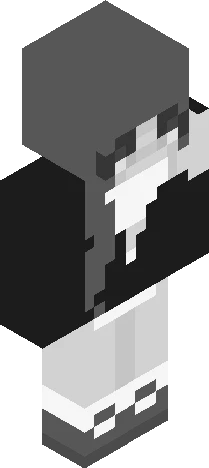
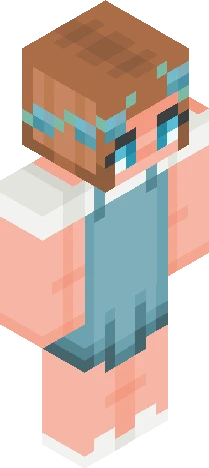
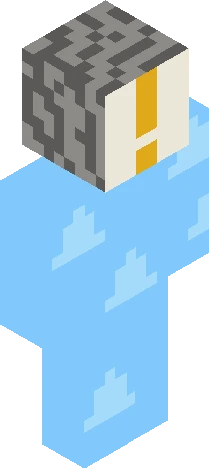
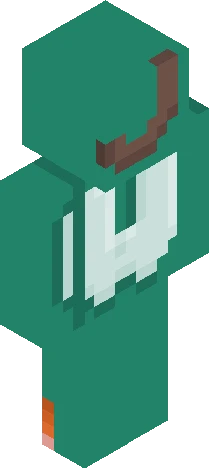
Hello people it’s time for another contest This time you will be redesigning TALLY My oc The rules are: Follow all of skindexs rules You can do anything just please keep it appropriate and make sure it isn’t Offensive Anyone can join the more the merrier Now for the prizes HERES A HEAD THATS ALWAYS SCREAMING but no here are the prizes 1st:likes on all skins and a skin request 2nd:likes on half of your skins and a custom pfp 3rd:likes on a quarter of your skins and a shout out on a random skin Due the 27th of September Tag it with tallyredesign
64×64 · classic or slim is detected from the PNG
Eaglercraft · Minecraft
このスキンを Eaglercraft で使う
PNG をダウンロードし、今使っている Eaglercraft クライアントで適用します。メニューはホストごとに違います。このサイトはゲーム本体を配布しません。
- 1Download the PNG with the button above.
- 2Open your Eaglercraft 1.8 client in the browser.
- 3On the title screen, open Options, then the skin control. It is often named Skin or Change Skin.
- 4Upload this PNG, or paste a direct image link if that menu asks for a URL.
- 5Join a world. The skin stays in this browser for that client.
Standard model · 64×64. ゲームのパスワードは聞きません。スキンファイルは画像だけです。
このスキンを Minecraft で使う
- 1Download the same PNG.
- 2In the Minecraft Launcher, open Skins and choose a new skin.
- 3Pick classic or slim so the arms match this skin, then upload the file.
- 4Bedrock can use this artwork where that device lets you import a custom skin PNG. The file itself is the standard Java skin layout.