Home · Brown · R.I.P. Asamir, my eternal cat
Click and drag to rotate
Brown
R.I.P. Asamir, my eternal cat
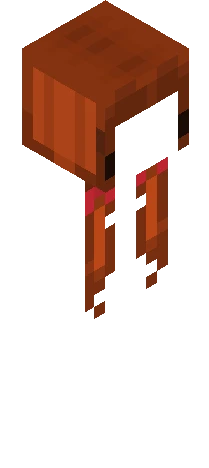
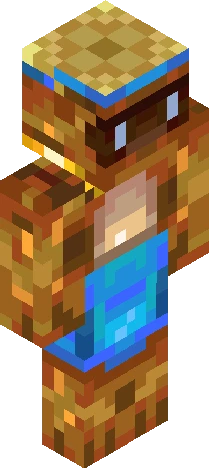
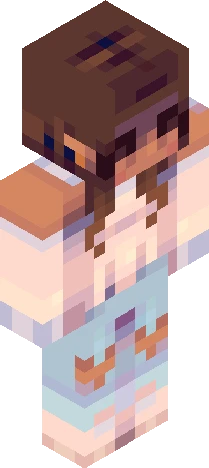
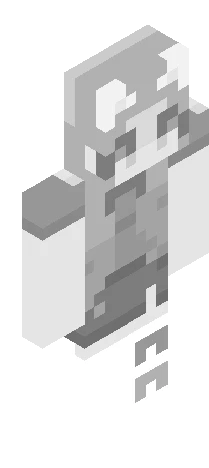
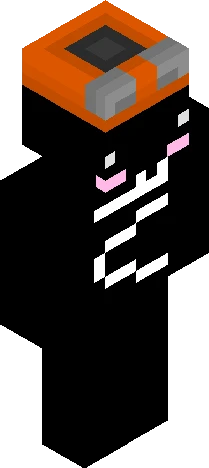
This is the skin of Asamir, my IRL cat that passed away yesterday (May 1) at 8 years old, he got sick and we tried to save him, but it was too expensive for us to spend in everything that the hospital asked to get him hospitalized, we thought there was hope to save him, but he started to worse again and we couldn't do anything more since his fate was already chose. He was a legendary cat, I had a lot of good moments with him, my cat passed for a lot of difficulties, but he never gave up, but he got sick and because of expensive hospitalization and his state that was very critical and irreversible, we just let him go in peace and go to a better place where his pain is gone, he can now play with other angel cats in the place he's now. I really wanted to have more time with him and to him live a lot longer, we don't know what was the source of him getting ill, my mother feels so guilty because of her financial conditions, we cried, it was a very sad day, but we need our heads held high. Asamir, my eternal cat, rest in peace, you'll be missed in my entire life.
64×64 · classic or slim is detected from the PNG
Eaglercraft · Minecraft
How to use this skin in Eaglercraft
Download the PNG, then apply it in the Eaglercraft client you already use. Menus differ by host. This site does not distribute the game.
- 1Download the PNG with the button above.
- 2Open your Eaglercraft 1.8 client in the browser.
- 3On the title screen, open Options, then the skin control. It is often named Skin or Change Skin.
- 4Upload this PNG, or paste a direct image link if that menu asks for a URL.
- 5Join a world. The skin stays in this browser for that client.
Standard model · 64×64. We never ask for a game password. A skin file is only artwork.
Use this skin in Minecraft
- 1Download the same PNG.
- 2In the Minecraft Launcher, open Skins and choose a new skin.
- 3Pick classic or slim so the arms match this skin, then upload the file.
- 4Bedrock can use this artwork where that device lets you import a custom skin PNG. The file itself is the standard Java skin layout.