Home · Cat · : 500 & 600 contest! (Recolour/palette) :
Click and drag to rotate
Cat
: 500 & 600 contest! (Recolour/palette) :
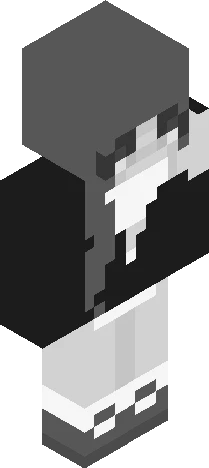
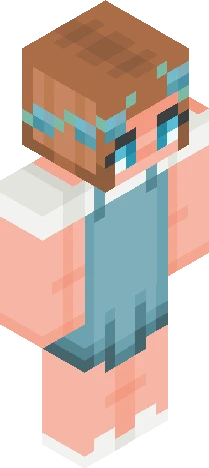
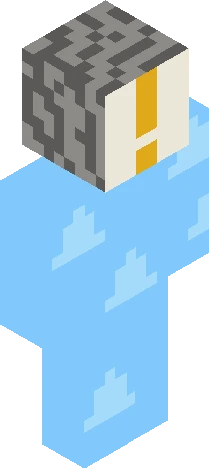
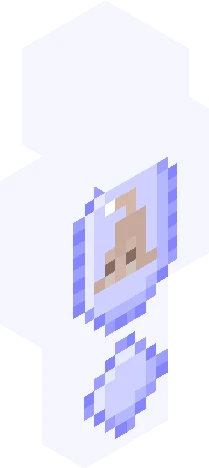
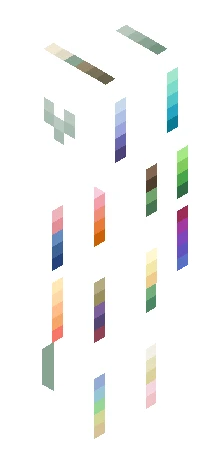
READ DESC BEFORE ENTERING PLS <33 Welcome to my contest for 500 AND 600 follows, and also 20k likes >:) Credits to lantu for contest idea <33 It’s basically: 1. You say you will join in the comments 2. I will spin a wheel to determine what palette you will use (all possible palettes are on back) 3. You can have 2 respins if you don’t like your palette 4. You use the palette you got to colour the skin once you add the back part to it, then you shade it! Easy :D I will decide prizes with results <3 Extra rules: - you can only add a skin tone to your palette, no greyscale colours and no hair colour :) - you can only do one entry, but if you don’t like it you can tell me and I will let you reenter as long as you take your previous entry down - you have to tag your entry with ‘cc600’ - please don’t make any major changes to the front of the skin, but do what u want with the back when I add it! - PLEASE FOR THE LOVE OF EVERYTHING FILL IN ALL THE PIXELS- I WILL CRY IF U DONT - Only use your designated palette! I WILL FIND U IF U USE A DIFFERENT ONE - normal skindex rules apply - due date 1st of October :D Pls, be creative, have fun and don’t cry, all Minecraft skins r beautiful <3
64×64 · classic or slim is detected from the PNG
Eaglercraft · Minecraft
इस स्किन को Eaglercraft में इस्तेमाल करें
PNG डाउनलोड करें और उसे उस Eaglercraft क्लाइंट में लगाएँ जिसका आप पहले से उपयोग करते हैं। मेनू होस्ट के अनुसार बदलते हैं। यह साइट गेम वितरित नहीं करती।
- 1Download the PNG with the button above.
- 2Open your Eaglercraft 1.8 client in the browser.
- 3On the title screen, open Options, then the skin control. It is often named Skin or Change Skin.
- 4Upload this PNG, or paste a direct image link if that menu asks for a URL.
- 5Join a world. The skin stays in this browser for that client.
Standard model · 64×64. हम कभी गेम पासवर्ड नहीं माँगते। स्किन फ़ाइल केवल चित्र है।
इस स्किन को Minecraft में इस्तेमाल करें
- 1Download the same PNG.
- 2In the Minecraft Launcher, open Skins and choose a new skin.
- 3Pick classic or slim so the arms match this skin, then upload the file.
- 4Bedrock can use this artwork where that device lets you import a custom skin PNG. The file itself is the standard Java skin layout.