Click and drag to rotate
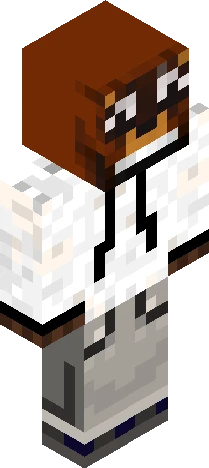
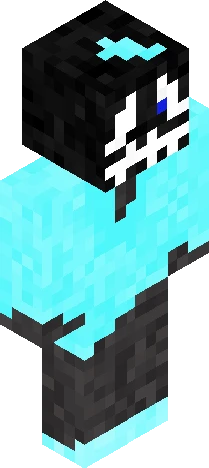
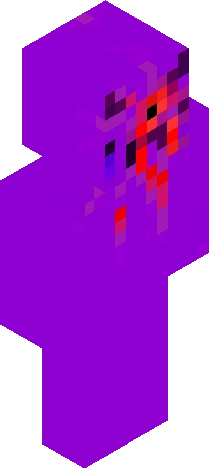
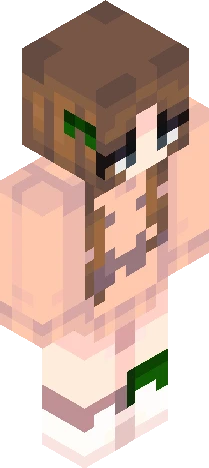
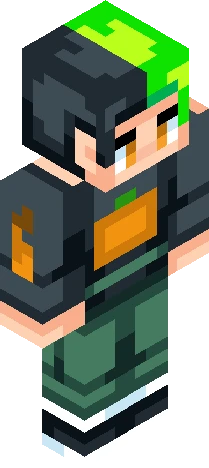
Halloween
UHDZDNHQHG
"As the night bleeds upon the open sky, The moon awakens, cold and bright. As Hallow’s Eve draws slowly nigh, The shadows now lurk throughout the night. Thirty-one days, thirty-one skins. Some familiar, some hidden. Their secrets now lie within the flowers, 4ever4 seil within. While you be able to tell friend from foe, or remain ignorant of the whistle... As the KINGht SOON approaches, For this hallow season shall now start.
HalloweenEaglercraft
64×64 · classic or slim is detected from the PNG
Eaglercraft · Minecraft
Utiliser ce skin dans Eaglercraft
Télécharge le PNG, puis applique-le dans le client Eaglercraft que tu utilises déjà. Les menus varient selon l’hébergeur. Ce site ne distribue pas le jeu.
- 1Download the PNG with the button above.
- 2Open your Eaglercraft 1.8 client in the browser.
- 3On the title screen, open Options, then the skin control. It is often named Skin or Change Skin.
- 4Upload this PNG, or paste a direct image link if that menu asks for a URL.
- 5Join a world. The skin stays in this browser for that client.
Standard model · 64×64. Nous ne demandons jamais de mot de passe de jeu. Un fichier de skin n’est que de l’illustration.
Utiliser ce skin dans Minecraft
- 1Download the same PNG.
- 2In the Minecraft Launcher, open Skins and choose a new skin.
- 3Pick classic or slim so the arms match this skin, then upload the file.
- 4Bedrock can use this artwork where that device lets you import a custom skin PNG. The file itself is the standard Java skin layout.
Similar skins


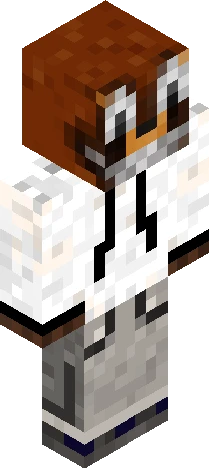

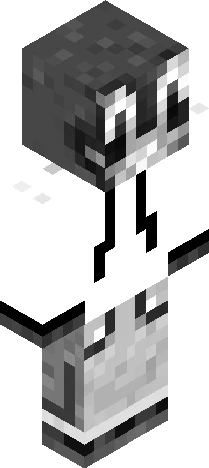
Rubius: "Muy buenas criaturas del averno" B&W Version
64×64 PNG · Java, Bedrock, Eaglercraft
Modifier le skin