Home · autum · .*.*pumpkin spice*.*
Click and drag to rotate
autum
.*.*pumpkin spice*.*
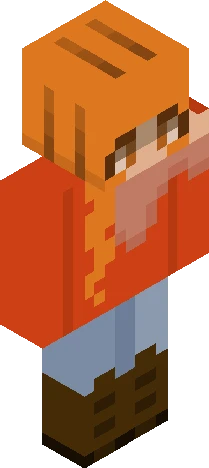
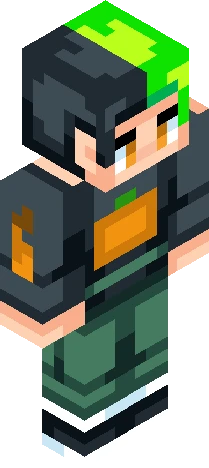
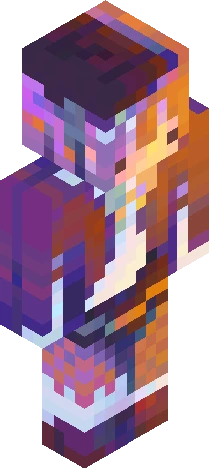
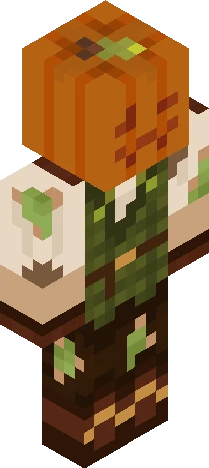
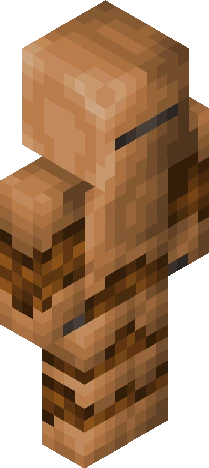
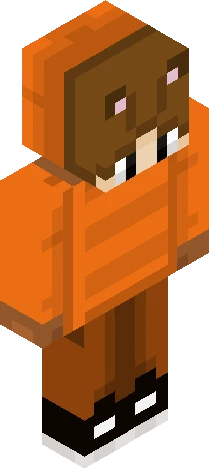
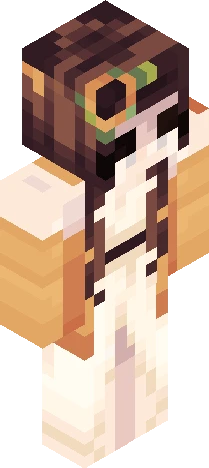
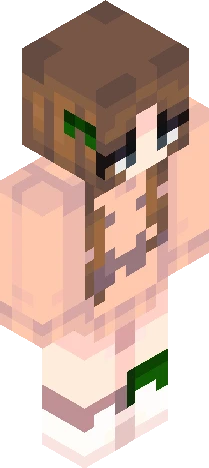
HYA again i dont rlly know what to say so recently me and larualiss becaome freinds YAY! so uh she asked me abotu doing a collab and i was ike HECK YEAH so uh this is my fall half of the collab and i might even use it as a persona well see let me know what you guys think in the chat my collab girly!- check her out = my inpo-https://www.planetminecraft.com/skin/fanvember-6-l-pumpkinpvtch/?utm_source=Pinterest&utm_medium=organic
64×64 · classic or slim is detected from the PNG
Eaglercraft · Minecraft
Utiliser ce skin dans Eaglercraft
Télécharge le PNG, puis applique-le dans le client Eaglercraft que tu utilises déjà. Les menus varient selon l’hébergeur. Ce site ne distribue pas le jeu.
- 1Download the PNG with the button above.
- 2Open your Eaglercraft 1.8 client in the browser.
- 3On the title screen, open Options, then the skin control. It is often named Skin or Change Skin.
- 4Upload this PNG, or paste a direct image link if that menu asks for a URL.
- 5Join a world. The skin stays in this browser for that client.
Standard model · 64×64. Nous ne demandons jamais de mot de passe de jeu. Un fichier de skin n’est que de l’illustration.
Utiliser ce skin dans Minecraft
- 1Download the same PNG.
- 2In the Minecraft Launcher, open Skins and choose a new skin.
- 3Pick classic or slim so the arms match this skin, then upload the file.
- 4Bedrock can use this artwork where that device lets you import a custom skin PNG. The file itself is the standard Java skin layout.