

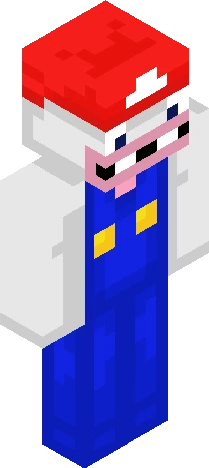
Home · Dragon · Switch 2 is so expensive man
Click and drag to rotate
Dragon
Switch 2 is so expensive man
One of my biggest gripes with Nintendo consoles in recent years has been how pricey they've been getting. The Switch 2 is kinda the culmination of that, with the console costing $500 and it costing $90 for a PRO CONTROLLER. Like what lol. But I have always wanted to eventually get one, since there are a good amount of games that are Switch 2 exclusive that I think are freakin awesome. Adventures of Elliot, Mario Kart World, and some other ones I've seen that I think look sick. Specifically though, there was a direct the other day that gave more info on the Ocarina of Time remake, and that's a game that I REALLY want to play, it looks so cool :D All that to say, I'm thinking it's finally time for me to break the piggy bank (so to speak) for a Switch 2, although it pains me how much it's gonna cost. I'm kinda complaining but I do also have a job for steady income, so it won't be too rough for me to buy one. So yeah! I'm gonna buy a Switch 2, though it's gonna cost me, but I'm sure it'll be worth it in the long run. Anyways, that's enough yap for now. If you have any thoughts/just wanna talk Nintendo, go comment :) Have a great one and God bless!!
64×64 · classic or slim is detected from the PNG
Eaglercraft · Minecraft
Utiliser ce skin dans Eaglercraft
Télécharge le PNG, puis applique-le dans le client Eaglercraft que tu utilises déjà. Les menus varient selon l’hébergeur. Ce site ne distribue pas le jeu.
- 1Download the PNG with the button above.
- 2Open your Eaglercraft 1.8 client in the browser.
- 3On the title screen, open Options, then the skin control. It is often named Skin or Change Skin.
- 4Upload this PNG, or paste a direct image link if that menu asks for a URL.
- 5Join a world. The skin stays in this browser for that client.
Standard model · 64×64. Nous ne demandons jamais de mot de passe de jeu. Un fichier de skin n’est que de l’illustration.
Utiliser ce skin dans Minecraft
- 1Download the same PNG.
- 2In the Minecraft Launcher, open Skins and choose a new skin.
- 3Pick classic or slim so the arms match this skin, then upload the file.
- 4Bedrock can use this artwork where that device lets you import a custom skin PNG. The file itself is the standard Java skin layout.
Similar skins




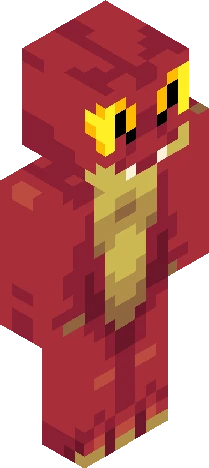

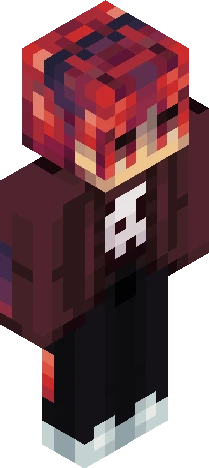

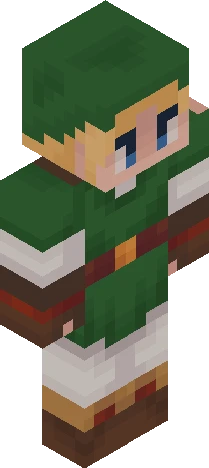

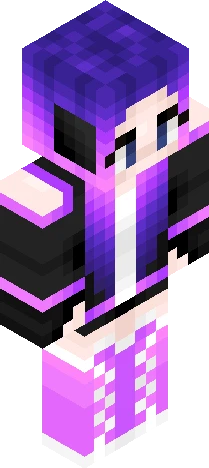
Y2k Purple Gamer Girl Dragon Hoodie Headphones
64×64 PNG · Java, Bedrock, Eaglercraft
Modifier le skin