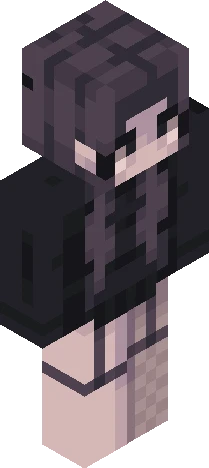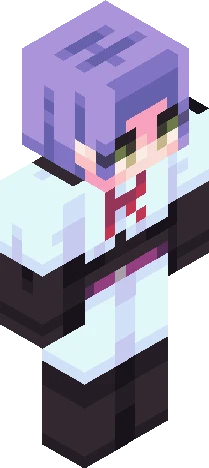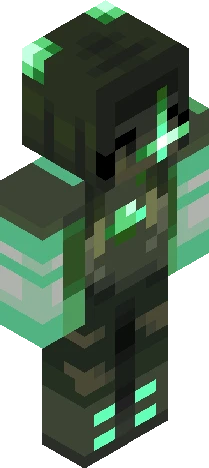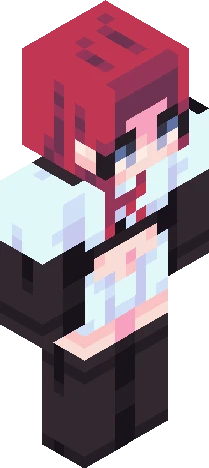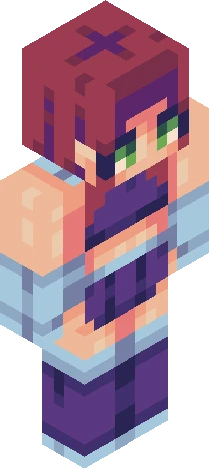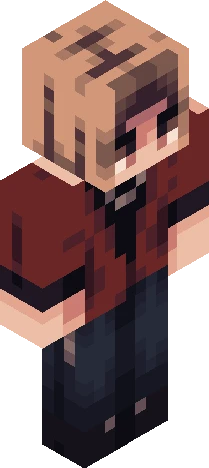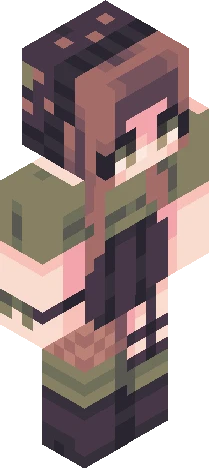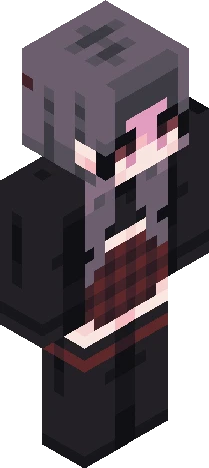
Click and drag to rotate
bycrim
jade
this is the jankiest skin ive ever made https://www.minecraftskins.com/skin/24296881/hopeful-undertone---theme--5/ i chose JADE as my gemstone..... if u couldtn tell.. themed contest entry / personafy / blonde hair / blond / light sourcing / lightsourcing / golden / shiny / glow / bows / hair ties / fluffy hair / red eyes / choker / necklace / dress / mini skirt / ballet skirt / sleeves / lace / big bow / corset / off the shoulders / earrings / fu this skin sucks ahuehfjb https://namemc.com/skin/4920af7fc7c9113f
64×64 · classic or slim is detected from the PNG
Eaglercraft · Minecraft
Utiliser ce skin dans Eaglercraft
Télécharge le PNG, puis applique-le dans le client Eaglercraft que tu utilises déjà. Les menus varient selon l’hébergeur. Ce site ne distribue pas le jeu.
- 1Download the PNG with the button above.
- 2Open your Eaglercraft 1.8 client in the browser.
- 3On the title screen, open Options, then the skin control. It is often named Skin or Change Skin.
- 4Upload this PNG, or paste a direct image link if that menu asks for a URL.
- 5Join a world. The skin stays in this browser for that client.
Standard model · 64×64. Nous ne demandons jamais de mot de passe de jeu. Un fichier de skin n’est que de l’illustration.
Utiliser ce skin dans Minecraft
- 1Download the same PNG.
- 2In the Minecraft Launcher, open Skins and choose a new skin.
- 3Pick classic or slim so the arms match this skin, then upload the file.
- 4Bedrock can use this artwork where that device lets you import a custom skin PNG. The file itself is the standard Java skin layout.