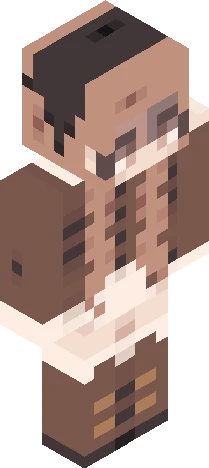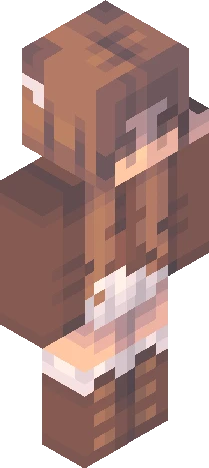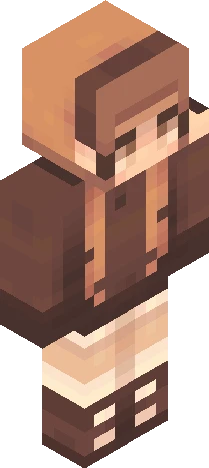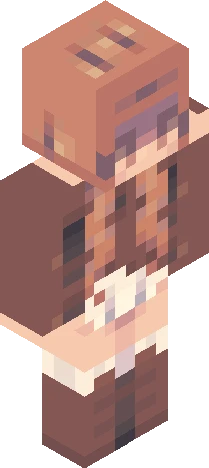
Home · mvngofallrc · . fall // rc
Click and drag to rotate
mvngofallrc
. fall // rc
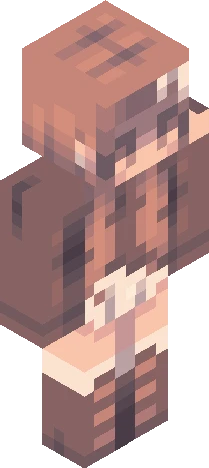
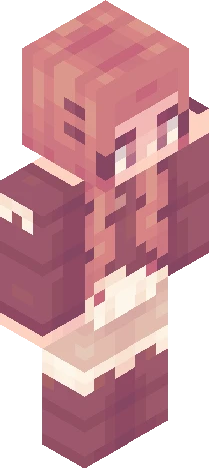
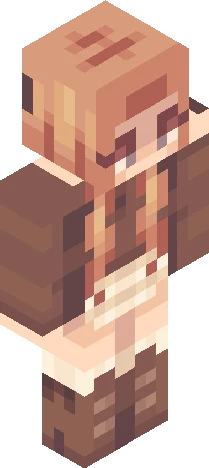
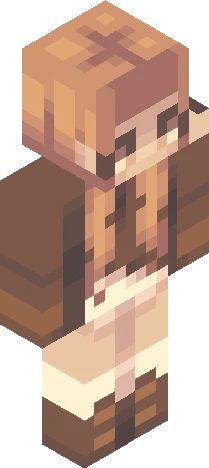
hiya welcome to my reshade contest theme is (if you cant tell) : AUTUMN okay okay rules: . tag entries with "mvngofallrc" . keep design recognizable, but id also love for you guys to add some accessories/etc that feel like you! . hueshifting is allowed (and encouraged!!) . please FULLY SHADE the skin - I have not completed the design on the sides nor the inside, that is up to you . add/complete the outerlayer . no copying/stealing other entries . link entry into comments too!! . due date = september 30th I think that's all, let me know if I've forgotted anything :) also prizes will be announced later - mvngo <3 :tags: fall, girl, autumn, boots, skirt, jumper, braid, half up half down hair, plait, socks, tall boots, reshade contest, rc, rce
mvngofallrcEaglercraft
64×64 · classic or slim is detected from the PNG
Eaglercraft · Minecraft
Utiliser ce skin dans Eaglercraft
Télécharge le PNG, puis applique-le dans le client Eaglercraft que tu utilises déjà. Les menus varient selon l’hébergeur. Ce site ne distribue pas le jeu.
- 1Download the PNG with the button above.
- 2Open your Eaglercraft 1.8 client in the browser.
- 3On the title screen, open Options, then the skin control. It is often named Skin or Change Skin.
- 4Upload this PNG, or paste a direct image link if that menu asks for a URL.
- 5Join a world. The skin stays in this browser for that client.
Standard model · 64×64. Nous ne demandons jamais de mot de passe de jeu. Un fichier de skin n’est que de l’illustration.
Utiliser ce skin dans Minecraft
- 1Download the same PNG.
- 2In the Minecraft Launcher, open Skins and choose a new skin.
- 3Pick classic or slim so the arms match this skin, then upload the file.
- 4Bedrock can use this artwork where that device lets you import a custom skin PNG. The file itself is the standard Java skin layout.