Home · Anime · Gamer Slime. {SizArts.}
Click and drag to rotate
Anime
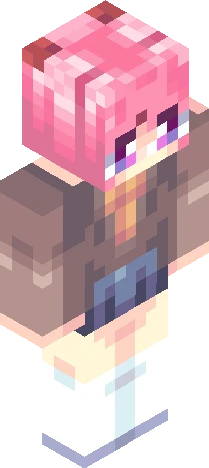
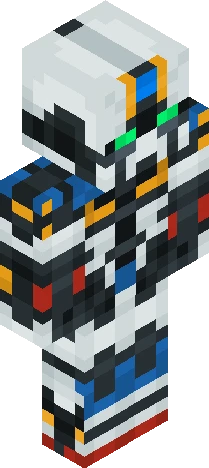
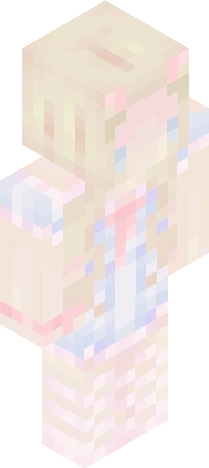
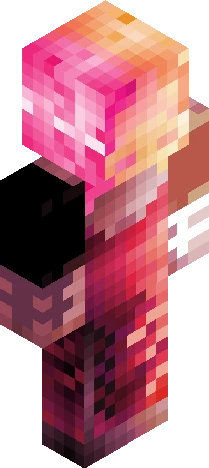
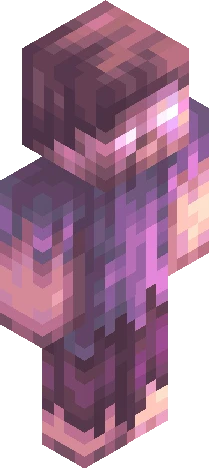
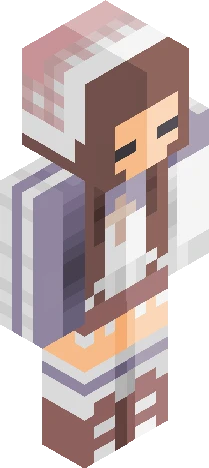
Gamer Slime. {SizArts.}
Show More... Dive into adventure by playing with 8 new slime-themed skins fromthe "Slime Gang" Skin pack from SizArts! Today it's the turn of the gamer slime, one of the most colorful and bright slimes ever. Are you ready to step into its shoes? Download the full skin pack here! it's free! https://www.curseforge.com/minecraft-bedrock/skins/slime-gang -+* -+* -+* Looking for a custom skin? Feel free to Dm me on: -Discord: "SizArts." By adding the point too! -Reddit: Theartofsiz -+* -+* -+* Follow my works also on: -SkinsCollections. -Planet Minecraft. -NameMC -SkinMC -Reddit. -+* -+* -+* To the next skin, -SizArts.
64×64 · classic or slim is detected from the PNG
Eaglercraft · Minecraft
So nutzt du diesen Skin in Eaglercraft
Lade die PNG herunter und wende sie im Eaglercraft-Client an, den du bereits nutzt. Die Menüs unterscheiden sich je nach Host. Diese Website verteilt das Spiel nicht.
- 1Download the PNG with the button above.
- 2Open your Eaglercraft 1.8 client in the browser.
- 3On the title screen, open Options, then the skin control. It is often named Skin or Change Skin.
- 4Upload this PNG, or paste a direct image link if that menu asks for a URL.
- 5Join a world. The skin stays in this browser for that client.
Standard model · 64×64. Wir fragen nie nach einem Spielpasswort. Eine Skin-Datei ist nur Grafik.
Diesen Skin in Minecraft nutzen
- 1Download the same PNG.
- 2In the Minecraft Launcher, open Skins and choose a new skin.
- 3Pick classic or slim so the arms match this skin, then upload the file.
- 4Bedrock can use this artwork where that device lets you import a custom skin PNG. The file itself is the standard Java skin layout.