Home · Base · skin base my character/skin
Click and drag to rotate
Base
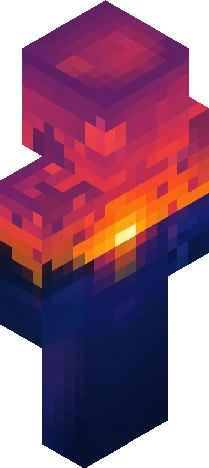
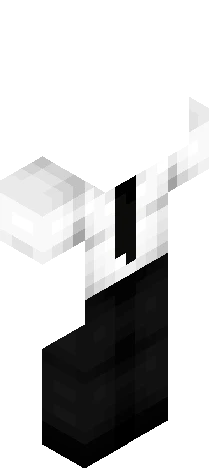
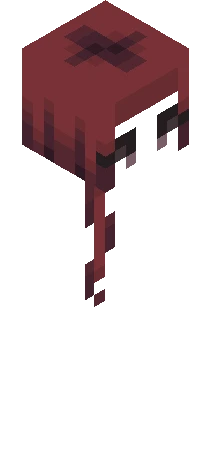
skin base my character/skin
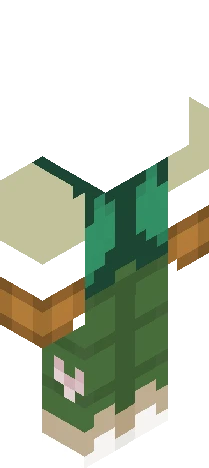
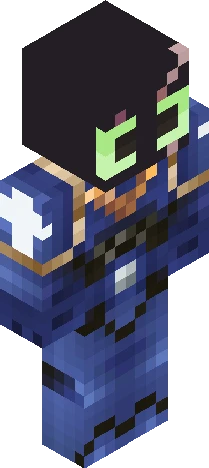
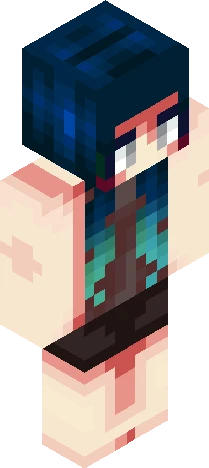
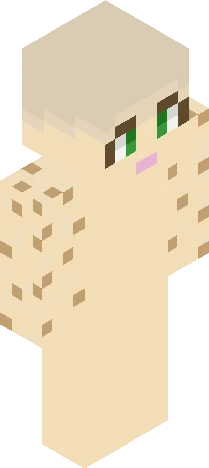
blue hair blue eyes ombre, uhh plz ignore i just need this uploaded for future convenience for myself so I don't need to start from scratch/edit skins that I already put clothes on and adjust layers ykykyk (I'm talking as if anyone is seeing this, I dont think anyone will. If you do tho, say hi idk)
BaseEaglercraft
64×64 · classic or slim is detected from the PNG
Eaglercraft · Minecraft
在 Eaglercraft 中使用这款皮肤
下载 PNG,然后在你已经使用的 Eaglercraft 客户端里应用。菜单因网站而异。本站不提供游戏客户端。
- 1Download the PNG with the button above.
- 2Open your Eaglercraft 1.8 client in the browser.
- 3On the title screen, open Options, then the skin control. It is often named Skin or Change Skin.
- 4Upload this PNG, or paste a direct image link if that menu asks for a URL.
- 5Join a world. The skin stays in this browser for that client.
Standard model · 64×64. 我们不会索要游戏密码。皮肤文件只是图片。
在 Minecraft 中使用这款皮肤
- 1Download the same PNG.
- 2In the Minecraft Launcher, open Skins and choose a new skin.
- 3Pick classic or slim so the arms match this skin, then upload the file.
- 4Bedrock can use this artwork where that device lets you import a custom skin PNG. The file itself is the standard Java skin layout.