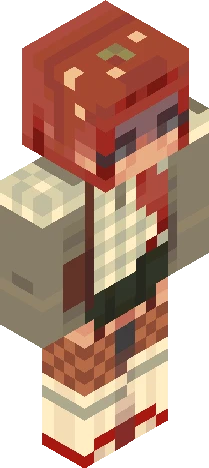
Hello! I'm verity your personal helper friend ask me anything I know everything
64×64 PNG · Java, Bedrock, Eaglercraft
Edit skinClick and drag to rotate
1year
gwoh i've made it far in only a year :0 I want to make a 1. qna and 2. list my supporters of when i first came jinoahdavis - shout out to him for being my first ever follower! rosascarlet - close friend from pmc rustymonty - also a close friend from pmc ghostrider7876 - crazy close (we broke up, unfortunetly </3) and he's dead here so yea :(( I N S P O ' S axriellaa sadlywinter (avii) moonyyyyy cinnnamon itscynna <3 closest friends (of all) imperfections (EXTREME) xsuns3t (EXTREME) rosefairy (EXTREME) rosascarlet (VERY, same reason as rusty) rustymonty (EXTREME, but we dont chat often anymore cause he's inactive here) ghostrider/ghostpanther (:(, brokeup, we dont chat anymore) - - - - thank you for all who have supported me throughout this year <3 and this was suppose to be made on the 21st-22nd :sob:
64×64 · classic or slim is detected from the PNG
Eaglercraft · Minecraft
下载 PNG,然后在你已经使用的 Eaglercraft 客户端里应用。菜单因网站而异。本站不提供游戏客户端。
Standard model · 64×64. 我们不会索要游戏密码。皮肤文件只是图片。