Home · Minecraft live · Minecraft Live Starting Soon!!
Click and drag to rotate
Minecraft live
Minecraft Live Starting Soon!!
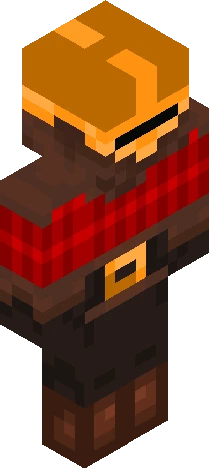
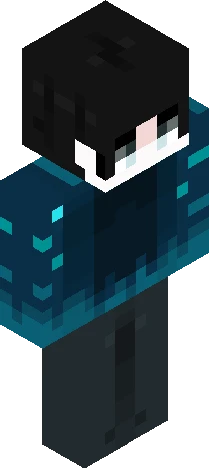
I’m very excited for this Minecraft Live! Especially because of the teasers we’ve been getting and also because of all the Endermen in the promo stuff for Wilderness Bound. I mean come on Mojang does know what they’re doing right? You can’t just be putting end related stuff (mostly Endermen, one time an Eye of Ender) into promotion for a drop that has nothing to do with the End. I’m so hopeful but also expecting nothing at the same time. Although I’m also excited for more info about Dungeons II and whatever the winter drop is. Since the winter drop is likely also going to be winter themed considering all the icy and snowy teasers. Also looking forward to getting more info on a Minecraft Movie Squared! I’d like to know what you guys are excited for and what are your expectations? I’ll upload another skin once Minecraft Live concludes talking about what happened.
64×64 · classic or slim is detected from the PNG
Eaglercraft · Minecraft
在 Eaglercraft 中使用这款皮肤
下载 PNG,然后在你已经使用的 Eaglercraft 客户端里应用。菜单因网站而异。本站不提供游戏客户端。
- 1Download the PNG with the button above.
- 2Open your Eaglercraft 1.8 client in the browser.
- 3On the title screen, open Options, then the skin control. It is often named Skin or Change Skin.
- 4Upload this PNG, or paste a direct image link if that menu asks for a URL.
- 5Join a world. The skin stays in this browser for that client.
Standard model · 64×64. 我们不会索要游戏密码。皮肤文件只是图片。
在 Minecraft 中使用这款皮肤
- 1Download the same PNG.
- 2In the Minecraft Launcher, open Skins and choose a new skin.
- 3Pick classic or slim so the arms match this skin, then upload the file.
- 4Bedrock can use this artwork where that device lets you import a custom skin PNG. The file itself is the standard Java skin layout.