Home · pumpkindoomzuimba800 · Autmn Leaves // pce
Click and drag to rotate
pumpkindoomzuimba800
Autmn Leaves // pce
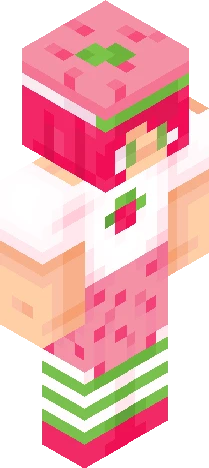
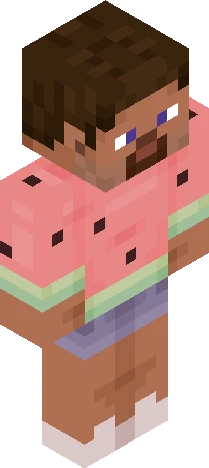
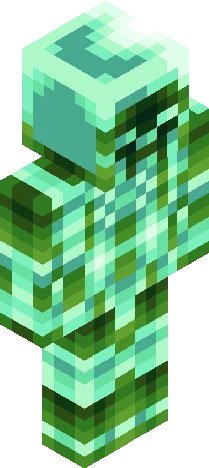
show more -+- heyy! another skin :D i could only finish it today since my school just started one week ago and i had lots of homework, yes i know first week of school and i had lots of homework :/ anyways here is my entry for Zuimba's palette contest! https://www.minecraftskins.com/skin/24269321/800-followers-palette-contest---read-description-prior-to-joining/ i had sm fun making this skin :) the palette i chose was pumpkin doom! btw i said i would do my contest entries on my alt but ehhhhhhh, im just too lazy to download this and upload it there :p hope you guys like it! edit: rahhhhhh I just realised that this guy doesn't have a highlight on the front of his hair ]:< baii <3
64×64 · classic or slim is detected from the PNG
Eaglercraft · Minecraft
在 Eaglercraft 中使用这款皮肤
下载 PNG,然后在你已经使用的 Eaglercraft 客户端里应用。菜单因网站而异。本站不提供游戏客户端。
- 1Download the PNG with the button above.
- 2Open your Eaglercraft 1.8 client in the browser.
- 3On the title screen, open Options, then the skin control. It is often named Skin or Change Skin.
- 4Upload this PNG, or paste a direct image link if that menu asks for a URL.
- 5Join a world. The skin stays in this browser for that client.
Standard model · 64×64. 我们不会索要游戏密码。皮肤文件只是图片。
在 Minecraft 中使用这款皮肤
- 1Download the same PNG.
- 2In the Minecraft Launcher, open Skins and choose a new skin.
- 3Pick classic or slim so the arms match this skin, then upload the file.
- 4Bedrock can use this artwork where that device lets you import a custom skin PNG. The file itself is the standard Java skin layout.
Similar skins

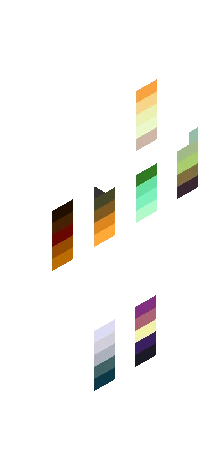
800 Followers Palette Contest ~ Read Description Prior to Joining
64×64 PNG · Java, Bedrock, Eaglercraft
Edit skin