Home · Girl · _~>{S M O U L D E R I N G \ W I T H / P A S S I O N}<~_
Click and drag to rotate
Girl
_~>{S M O U L D E R I N G \ W I T H / P A S S I O N}<~_
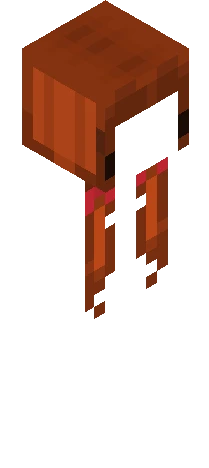
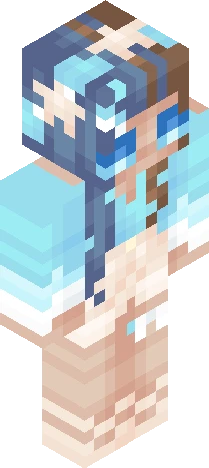
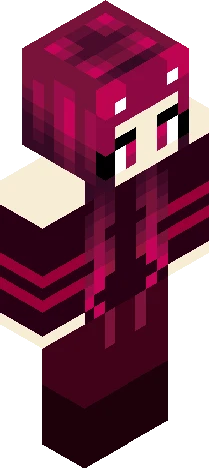
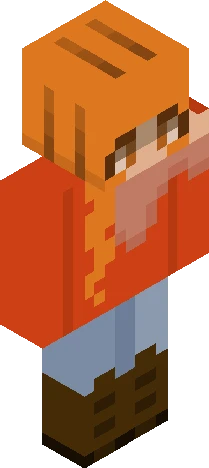
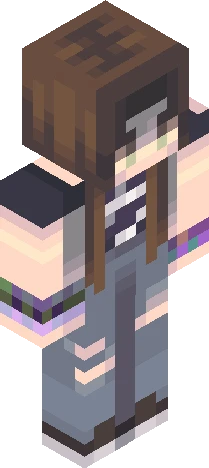
"We can easily forgive a child who is afraid of the dark; the real tragedy of life is when men are afraid of the light." ~Plato Character Facts: Name: Siyana Age: 18 Birthday: June 16 Likes: Camping and singing, attempting to become a stage-show superstar as a career Hates: the dark and depressing things, both of which either scare her or will motivate her to change the mood; she’s often the flamboyant one in groups. I accidentally deleted half of progress on this skin and had to redo it because of a cache overflow that was slowing chrome down to a penny ;-; It’s fine because this still turned pulchritudinous :D Made as a submission for ReshadeRevival’s 500 followers Reshade Contest: https://www.minecraftskins.com/skin/24325157/cinnamon-bun---500-rc/
64×64 · classic or slim is detected from the PNG
Eaglercraft · Minecraft
在 Eaglercraft 中使用这款皮肤
下载 PNG,然后在你已经使用的 Eaglercraft 客户端里应用。菜单因网站而异。本站不提供游戏客户端。
- 1Download the PNG with the button above.
- 2Open your Eaglercraft 1.8 client in the browser.
- 3On the title screen, open Options, then the skin control. It is often named Skin or Change Skin.
- 4Upload this PNG, or paste a direct image link if that menu asks for a URL.
- 5Join a world. The skin stays in this browser for that client.
Standard model · 64×64. 我们不会索要游戏密码。皮肤文件只是图片。
在 Minecraft 中使用这款皮肤
- 1Download the same PNG.
- 2In the Minecraft Launcher, open Skins and choose a new skin.
- 3Pick classic or slim so the arms match this skin, then upload the file.
- 4Bedrock can use this artwork where that device lets you import a custom skin PNG. The file itself is the standard Java skin layout.