
Rotten Flesh to Beef
by MisterJeeves · 2026-03-28 · Data packs
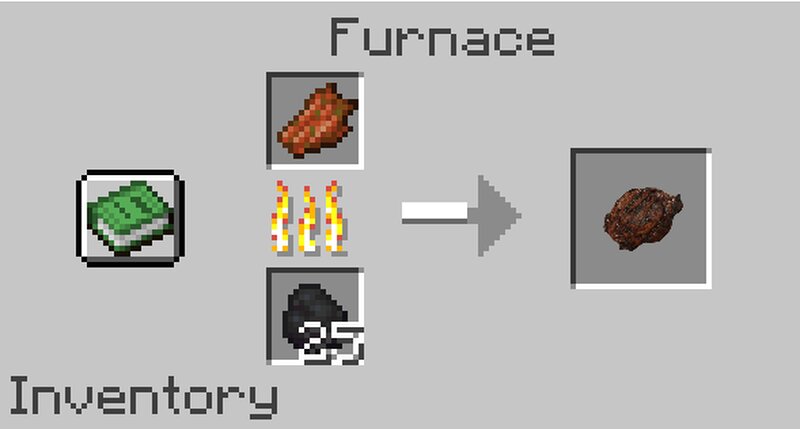
Simple datapack turning Rotten Flesh into Beef/Steak Install (server) Place the f2b.zip file into <world-name>/datapacks/ Start or reload your server This datapack will cover cooking Rotten Flesh in a Furnace or on a Campfire :) Singleplayer At the creation of a world: Here is how to install a data pack when creating a singleplayer world: 1. Open Minecraft. 2. Create a new world and click on "Data Packs". 3. Drag the data pack into the Minecraft window. It should be a .zip file or directory. 4. Click "Yes" on the confirmation screen. 5. Move the data pack to the right hand side of the screen by clicking the triangle on its icon. 6. Click "Done" and continue creating your world, then click on "Create New World". *If the data pack has a correct format, it will be enabled in the world. If you have enabled cheats, you can verify by typing /datapack list enabled and find an entry named [file/f2b]. In an existing world: Here is how to install a data pack in an existing singleplayer world: 1. Open Minecraft. 2. Select the world you want to install the data pack for, click on "Edit", then "Open world folder". 3. Open the folder named datapacks, and put the data pack into it. It should be