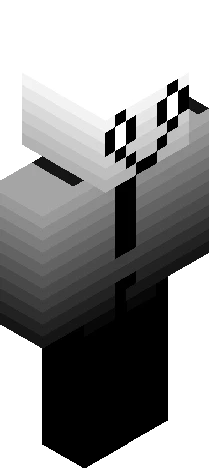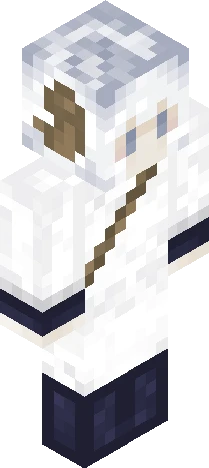
Click and drag to rotate
APB12
+sky+
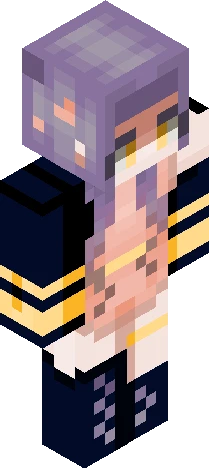
Show more The sky and the sun are always there. It's the clouds that come and go.”-someone I don’t really know what I was thinking with this skin but here it is This skin is somewhat dark if you think it’s to much pls tell me and it will be taken down as soon as possible
64×64 · classic or slim is detected from the PNG
Eaglercraft · Minecraft
Bu skini Eaglercraft’ta kullan
PNG’yi indir, sonra hâlihazırda kullandığın Eaglercraft istemcisinde uygula. Menüler siteye göre değişir. Bu site oyunu dağıtmaz.
- 1Download the PNG with the button above.
- 2Open your Eaglercraft 1.8 client in the browser.
- 3On the title screen, open Options, then the skin control. It is often named Skin or Change Skin.
- 4Upload this PNG, or paste a direct image link if that menu asks for a URL.
- 5Join a world. The skin stays in this browser for that client.
Standard model · 64×64. Oyun şifresi istemeyiz. Bir skin dosyası yalnızca görseldir.
Bu skini Minecraft’ta kullan
- 1Download the same PNG.
- 2In the Minecraft Launcher, open Skins and choose a new skin.
- 3Pick classic or slim so the arms match this skin, then upload the file.
- 4Bedrock can use this artwork where that device lets you import a custom skin PNG. The file itself is the standard Java skin layout.