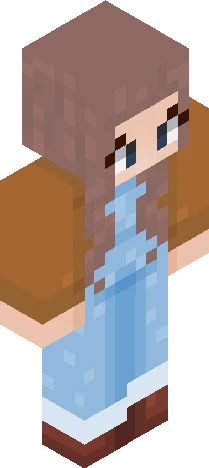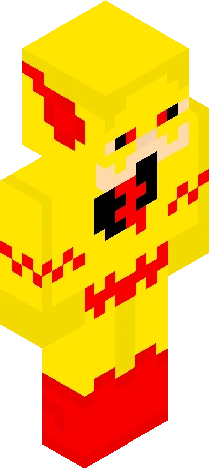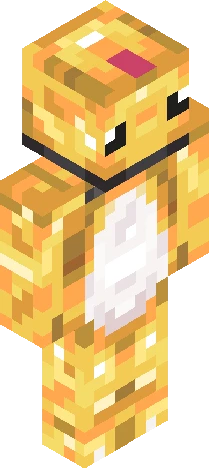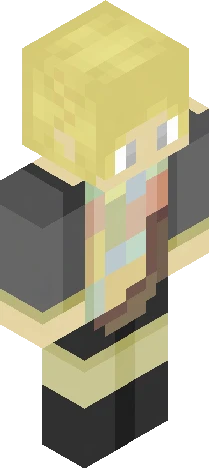
Home · Sf424 · ~= Just an empty Imposter charading { JE } =~
Click and drag to rotate
Sf424
~= Just an empty Imposter charading { JE } =~
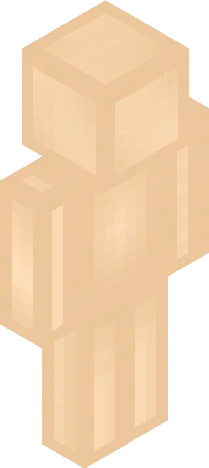
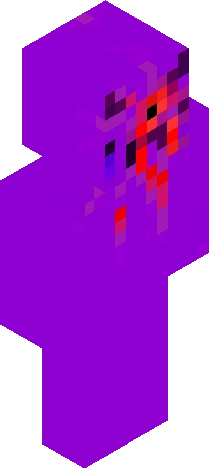
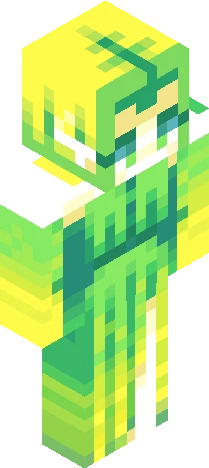
ello Duckies or Humanoids WWoooooooo another Skin :D Uhh yeah this one was kinda quick in just a bit longer then an Hour Idk if I like it tho Song: { Eat The World ~ Sonoria } PMC: https://www.planetminecraft.com/skin/just-an-empty-imposter-charading-je/ /NameMC: https://namemc.com/skin/dcb7efbfc6038c52 ( Definetly not a Reupload cause I was stupid and forgot to shade smt, trust )
64×64 · classic or slim is detected from the PNG
Eaglercraft · Minecraft
Bu skini Eaglercraft’ta kullan
PNG’yi indir, sonra hâlihazırda kullandığın Eaglercraft istemcisinde uygula. Menüler siteye göre değişir. Bu site oyunu dağıtmaz.
- 1Download the PNG with the button above.
- 2Open your Eaglercraft 1.8 client in the browser.
- 3On the title screen, open Options, then the skin control. It is often named Skin or Change Skin.
- 4Upload this PNG, or paste a direct image link if that menu asks for a URL.
- 5Join a world. The skin stays in this browser for that client.
Standard model · 64×64. Oyun şifresi istemeyiz. Bir skin dosyası yalnızca görseldir.
Bu skini Minecraft’ta kullan
- 1Download the same PNG.
- 2In the Minecraft Launcher, open Skins and choose a new skin.
- 3Pick classic or slim so the arms match this skin, then upload the file.
- 4Bedrock can use this artwork where that device lets you import a custom skin PNG. The file itself is the standard Java skin layout.