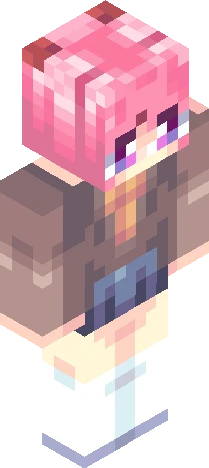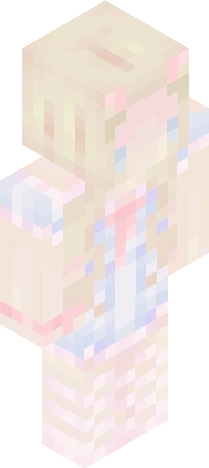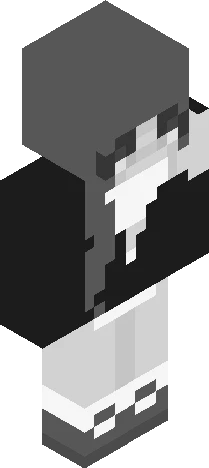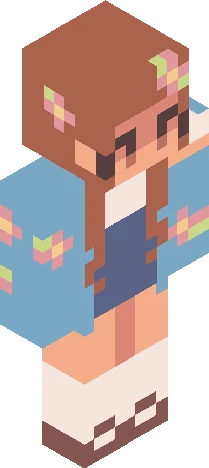
Click and drag to rotate
Cute
R E S H A D E
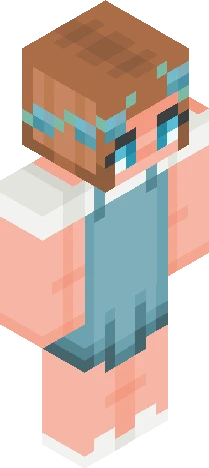
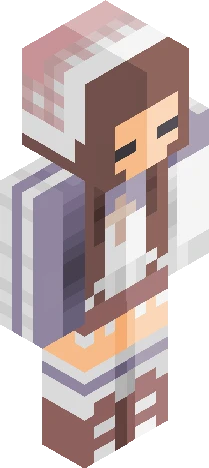
(( read more )) ~ spring reshade contest rules~ - use the base skin provided - minor design edits are allowed (like sleeves, accessories, etc) - no major redesigns or full recolours - upload to skindex and mention me in the title or description - MUST tag it with #pastlio ~deadline is 30 September 2026 ~ there will be three winners, receiving pages of likes, a follow and of course the shout-out! ~good luck everyone!
64×64 · classic or slim is detected from the PNG
Eaglercraft · Minecraft
Bu skini Eaglercraft’ta kullan
PNG’yi indir, sonra hâlihazırda kullandığın Eaglercraft istemcisinde uygula. Menüler siteye göre değişir. Bu site oyunu dağıtmaz.
- 1Download the PNG with the button above.
- 2Open your Eaglercraft 1.8 client in the browser.
- 3On the title screen, open Options, then the skin control. It is often named Skin or Change Skin.
- 4Upload this PNG, or paste a direct image link if that menu asks for a URL.
- 5Join a world. The skin stays in this browser for that client.
Standard model · 64×64. Oyun şifresi istemeyiz. Bir skin dosyası yalnızca görseldir.
Bu skini Minecraft’ta kullan
- 1Download the same PNG.
- 2In the Minecraft Launcher, open Skins and choose a new skin.
- 3Pick classic or slim so the arms match this skin, then upload the file.
- 4Bedrock can use this artwork where that device lets you import a custom skin PNG. The file itself is the standard Java skin layout.