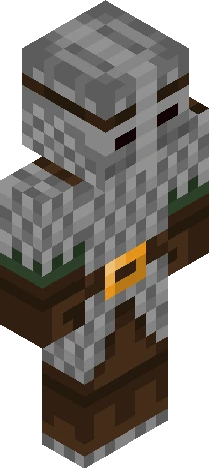
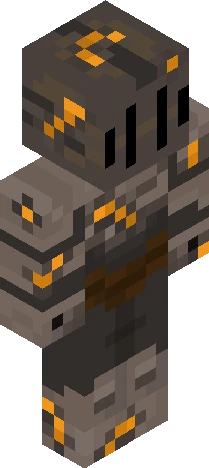
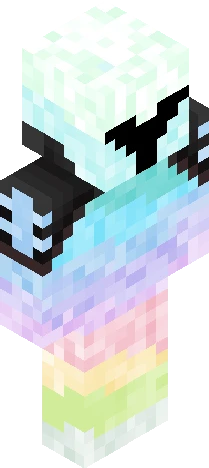
Click and drag to rotate
Armor
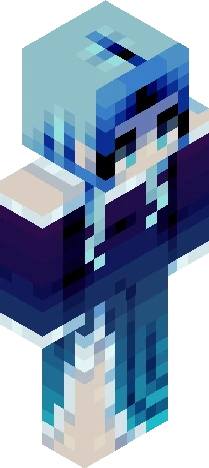
Loyal Knight
As a child of Hephaestus, his affinity to fire should make him a great blacksmith. He, however, chose not to follow this path and became a knight instead. Along came a poet, a child of Apollo, whom he grew close with and spent many a day alongside. The elders in the village named a prophecy from the gods, claiming that two of their children would set out on a grand adventure and conquer many foes. Being the only two demi-gods for...many blocks, the knight and the poet set out on a divine adventure.
64×64 · classic or slim is detected from the PNG
Eaglercraft · Minecraft
How to use this skin in Eaglercraft
Download the PNG, then apply it in the Eaglercraft client you already use. Menus differ by host. This site does not distribute the game.
- 1Download the PNG with the button above.
- 2Open your Eaglercraft 1.8 client in the browser.
- 3On the title screen, open Options, then the skin control. It is often named Skin or Change Skin.
- 4Upload this PNG, or paste a direct image link if that menu asks for a URL.
- 5Join a world. The skin stays in this browser for that client.
Standard model · 64×64. We never ask for a game password. A skin file is only artwork.
Use this skin in Minecraft
- 1Download the same PNG.
- 2In the Minecraft Launcher, open Skins and choose a new skin.
- 3Pick classic or slim so the arms match this skin, then upload the file.
- 4Bedrock can use this artwork where that device lets you import a custom skin PNG. The file itself is the standard Java skin layout.
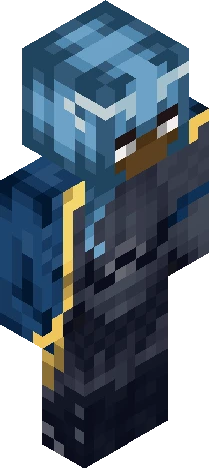
![*+// k n i g h t //+* ['special effect'] Minecraft skin preview](https://cdn.eaglercraft.studio/skins/m21217119/preview.webp)