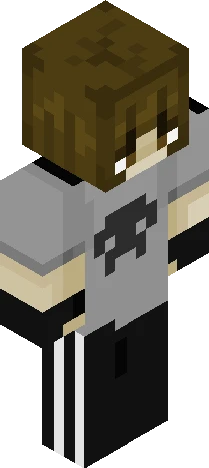
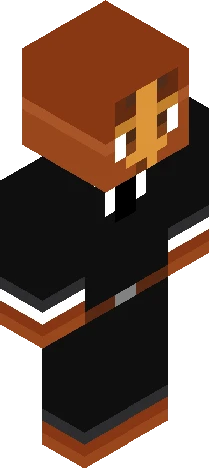
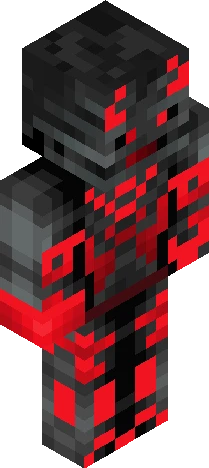
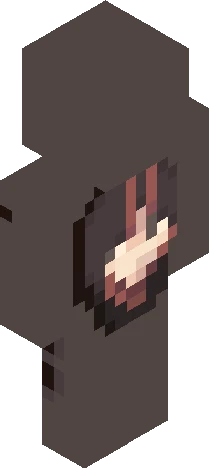
Home · Black · .wedding sona. desc
Click and drag to rotate
Black
.wedding sona. desc
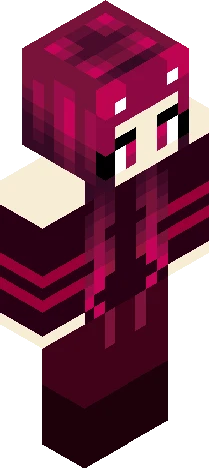
uhh.. read more if you want backstory so i play on this SMP that was made for a horror mod subreddit, specifically The Broken Script, and the people there are really nice and stuff.. my username on reddit is integritys_malewife and same on discord so naturally ive become a pretty recognizable figure in the community because of that username and how i act and stuff (and how active i am). ive made a lot of friends ^.^ today, on the SMP, im getting "officially" married to Integrity, one of the entities in the mod, cuz i love him a lot and he's like my #1 favorite character in fiction rn. plus i found out i yumeship him.. so.... this is the skin i'll be wearing and im even gonna record the entire wedding and post it on the subreddit (r/TheBrokenScript). i pray for no objections!
64×64 · classic or slim is detected from the PNG
Eaglercraft · Minecraft
How to use this skin in Eaglercraft
Download the PNG, then apply it in the Eaglercraft client you already use. Menus differ by host. This site does not distribute the game.
- 1Download the PNG with the button above.
- 2Open your Eaglercraft 1.8 client in the browser.
- 3On the title screen, open Options, then the skin control. It is often named Skin or Change Skin.
- 4Upload this PNG, or paste a direct image link if that menu asks for a URL.
- 5Join a world. The skin stays in this browser for that client.
Standard model · 64×64. We never ask for a game password. A skin file is only artwork.
Use this skin in Minecraft
- 1Download the same PNG.
- 2In the Minecraft Launcher, open Skins and choose a new skin.
- 3Pick classic or slim so the arms match this skin, then upload the file.
- 4Bedrock can use this artwork where that device lets you import a custom skin PNG. The file itself is the standard Java skin layout.