
Item Checklist
by Tapir0 · 2026-04-27 · Data packs
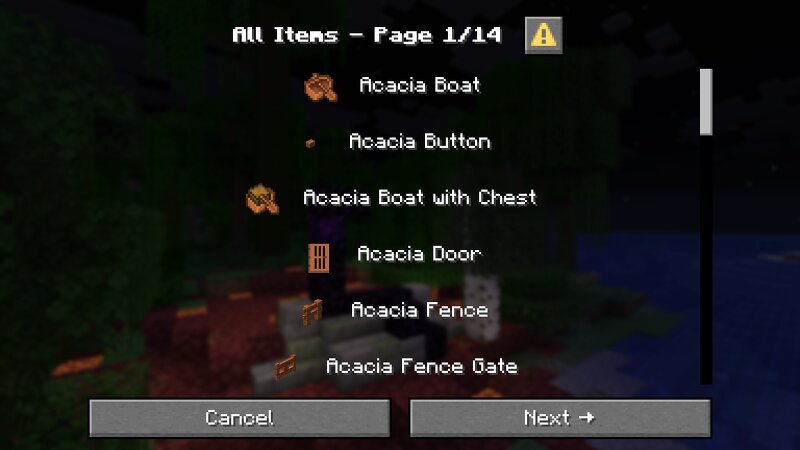
Introduction Item Checklist (IC) provides a way to track your item-related progress. It monitors each player's inventory slots for items that can be obtained in Survival Mode and features several dialog screens that offer a complete overview of all collected and missing items. Usage Once IC is installed, it immediately begins scanning player inventories without requiring any additional setup. Accessing the item overview screens as well as IC's settings page can be accomplished by running the following command: /trigger checklist This opens IC's main menu: Just like in Minecraft's native menu screens, you can navigate through the pages by left-clicking on the various buttons. For example, click ☰ Show All to view a list of all (obtainable) items in Minecraft: To find out more about an item's status (missing / obtained), simply hover your cursor over it: Note: IC's item overview screens are paginated to display 100 entries per page. Use the ← Previous and Next → buttons to navigate between pages. Settings IC can be configured via the ✎ Change Settings sub-menu. The following options are available: Animated Timer Notice By default, only the item number is saved when a new item is adde