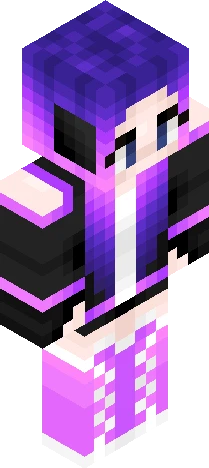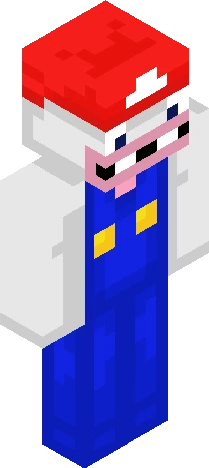
Home · Dragon · My skin is #90 trending this week on NameMC!
Click and drag to rotate
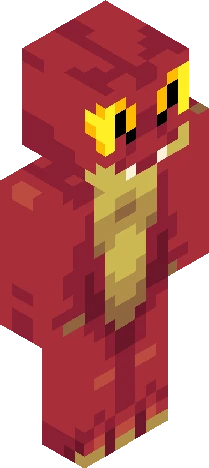
Dragon
My skin is #90 trending this week on NameMC!
Just thought it was kinda cool that a skin I made is being used by a LOT of people, glad y'all liked it. Here's the next Yoshi as well, lmk in the comments which color you wanna see next Also I might gatekeep one of the cooler Yoshi colors behind a certain amount of followers, but idk, maybe that's not a good choice. Anyways, have a good one and God bless!!
64×64 · classic or slim is detected from the PNG
Eaglercraft · Minecraft
Как использовать этот скин в Eaglercraft
Скачайте PNG и примените его в клиенте Eaglercraft, которым вы уже пользуетесь. Меню зависят от сайта. Этот сайт не распространяет игру.
- 1Download the PNG with the button above.
- 2Open your Eaglercraft 1.8 client in the browser.
- 3On the title screen, open Options, then the skin control. It is often named Skin or Change Skin.
- 4Upload this PNG, or paste a direct image link if that menu asks for a URL.
- 5Join a world. The skin stays in this browser for that client.
Standard model · 64×64. Мы никогда не просим пароль от игры. Файл скина — только картинка.
Использовать этот скин в Minecraft
- 1Download the same PNG.
- 2In the Minecraft Launcher, open Skins and choose a new skin.
- 3Pick classic or slim so the arms match this skin, then upload the file.
- 4Bedrock can use this artwork where that device lets you import a custom skin PNG. The file itself is the standard Java skin layout.