Home · Minikittie · Announcement skin contest!
Click and drag to rotate
Minikittie
Announcement skin contest!
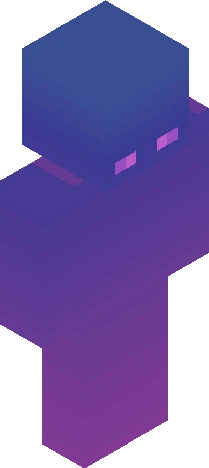
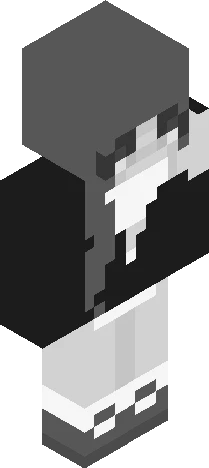
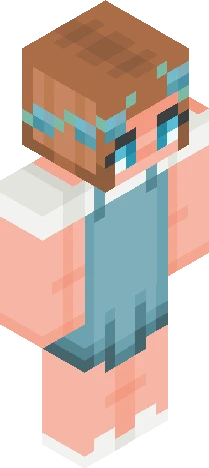
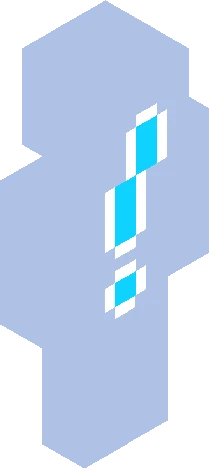
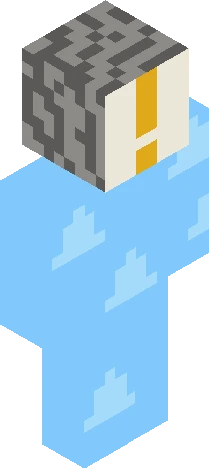
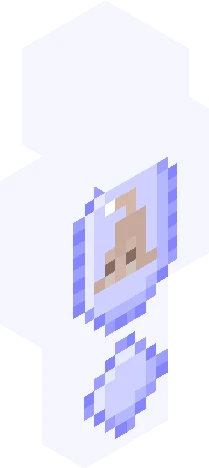
[Show More] I know I did an announcement skin only four months ago but I'm kinda bored of my current announcement skin sooo here we are again! Rules: Due Oct. 1 Tag with kittieminiannounces2 Make it solid (no transparent parts) I like it when it's kinda cluttered like some of the announcement skins I've made (like the ones for eventful and theblossomnwitch) Make it have an ! So people can tell it's an announcement skin Some things I like: Kitties Tamagotchi Otherpaw Big dogs (Australian shepherds, border collies, golden retrievers, German shepherds, etc) ESSAs (emotional support stuffed animals) Collars (idk I just like the look of them) Essa flag (Google it) Minecraft cherry tree Wings of fire (dragons) Warrior cats Books Minecraft I'll put prizes here later feel free to give suggestions
64×64 · classic or slim is detected from the PNG
Eaglercraft · Minecraft
Как использовать этот скин в Eaglercraft
Скачайте PNG и примените его в клиенте Eaglercraft, которым вы уже пользуетесь. Меню зависят от сайта. Этот сайт не распространяет игру.
- 1Download the PNG with the button above.
- 2Open your Eaglercraft 1.8 client in the browser.
- 3On the title screen, open Options, then the skin control. It is often named Skin or Change Skin.
- 4Upload this PNG, or paste a direct image link if that menu asks for a URL.
- 5Join a world. The skin stays in this browser for that client.
Standard model · 64×64. Мы никогда не просим пароль от игры. Файл скина — только картинка.
Использовать этот скин в Minecraft
- 1Download the same PNG.
- 2In the Minecraft Launcher, open Skins and choose a new skin.
- 3Pick classic or slim so the arms match this skin, then upload the file.
- 4Bedrock can use this artwork where that device lets you import a custom skin PNG. The file itself is the standard Java skin layout.