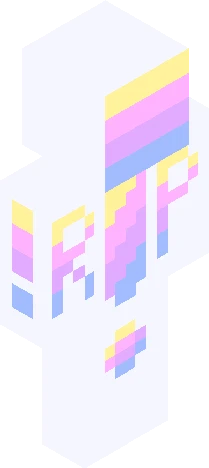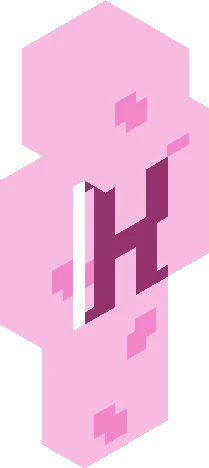
Home · Warrior · Warrior Cats RP! :D
Click and drag to rotate
Warrior
Warrior Cats RP! :D
... Notice: I must finish the first six books before we can start. But that wont take to long. Required information: Name: Status: (medicine , warrior etc) Clan: Fur coat: (Tabby , calico etc) Personality: Gender: If apprentice then mentor: (can be another person) Skills: Fav food: . Rules: No mean, rude or inappropriate things, No romance without permission (unless there your characters), Let me finish the books, Listen to peoples ideas and dont ignore, HAVE FUN!!! Start date: Whenever i finish the books. I'm on book three but i read fast so dont worry :3 Dont ask why i always use this green colour :P Have fun!
64×64 · classic or slim is detected from the PNG
Eaglercraft · Minecraft
Как использовать этот скин в Eaglercraft
Скачайте PNG и примените его в клиенте Eaglercraft, которым вы уже пользуетесь. Меню зависят от сайта. Этот сайт не распространяет игру.
- 1Download the PNG with the button above.
- 2Open your Eaglercraft 1.8 client in the browser.
- 3On the title screen, open Options, then the skin control. It is often named Skin or Change Skin.
- 4Upload this PNG, or paste a direct image link if that menu asks for a URL.
- 5Join a world. The skin stays in this browser for that client.
Standard model · 64×64. Мы никогда не просим пароль от игры. Файл скина — только картинка.
Использовать этот скин в Minecraft
- 1Download the same PNG.
- 2In the Minecraft Launcher, open Skins and choose a new skin.
- 3Pick classic or slim so the arms match this skin, then upload the file.
- 4Bedrock can use this artwork where that device lets you import a custom skin PNG. The file itself is the standard Java skin layout.