Home · Aesthetic · // pumpkin patch / rc //
Click and drag to rotate
Aesthetic
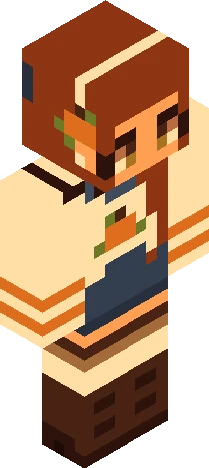
// pumpkin patch / rc //
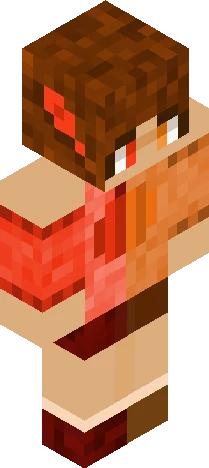
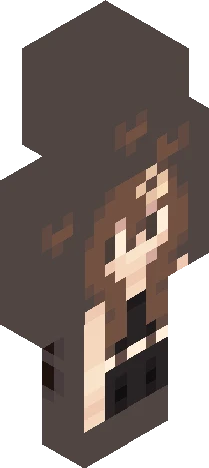
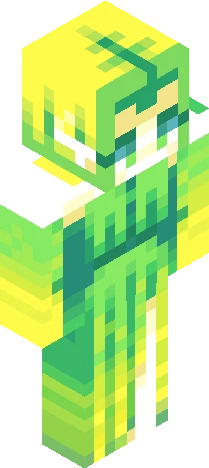
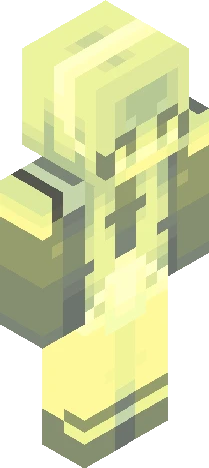
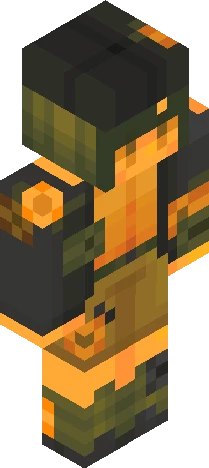
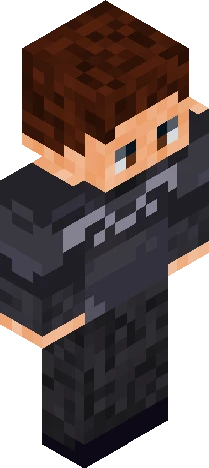
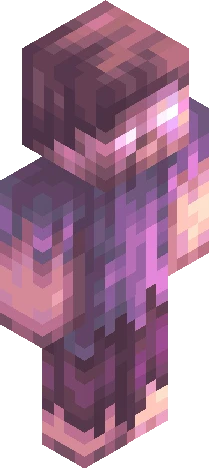
// 0 9 / 2 7 / 2 6 // autumn reshade contest! <3 [ prizes in the comments ] // r u l e s : . anyone can join, no invite needed . no genderbending, this is a female skin please keep it that way . fully shade the skin + use outer layer . tinting and hue shifting is allowed . you can change things, but please keep your entry recognizable . no copying/stealing . YOUR ENTRY WILL NOT COUNT UNLESS TAGGED "autumnimperce26" . PLEASE MAKE SURE YOU LINK YOUR ENTRY IN THE COMMENTS BELOW . The due date is November 5th (extended), if more time is needed just ask me! . and ofc, have fun! // happy fall everyone <33
64×64 · classic or slim is detected from the PNG
Eaglercraft · Minecraft
Como usar este skin no Eaglercraft
Baixe o PNG e aplique no cliente Eaglercraft que você já usa. Os menus mudam conforme o site. Este site não distribui o jogo.
- 1Download the PNG with the button above.
- 2Open your Eaglercraft 1.8 client in the browser.
- 3On the title screen, open Options, then the skin control. It is often named Skin or Change Skin.
- 4Upload this PNG, or paste a direct image link if that menu asks for a URL.
- 5Join a world. The skin stays in this browser for that client.
Standard model · 64×64. Nunca pedimos a senha do jogo. Um arquivo de skin é só a arte.
Usar este skin no Minecraft
- 1Download the same PNG.
- 2In the Minecraft Launcher, open Skins and choose a new skin.
- 3Pick classic or slim so the arms match this skin, then upload the file.
- 4Bedrock can use this artwork where that device lets you import a custom skin PNG. The file itself is the standard Java skin layout.