Home · announcementskin · hint 🔍 ❤️
Click and drag to rotate
announcementskin
hint 🔍 ❤️
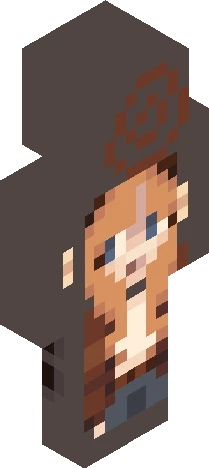
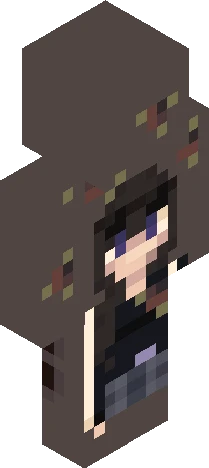
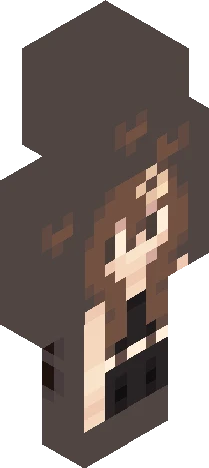
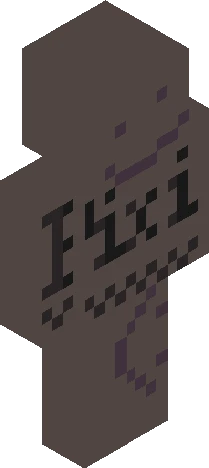
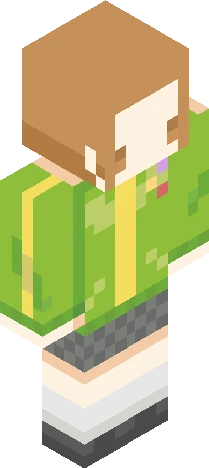
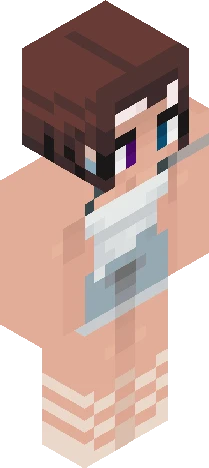
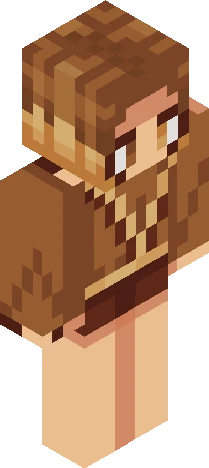
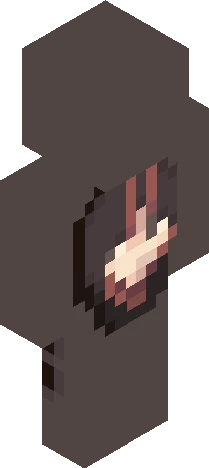
it's my second week with this secret account.. so I think its time i give some hintss *wink* 2 hints for 2 weeks :D hint 1: I have more than 10k likes, and more than 300 followers hint 2: My main has been here for about a year hope these hints help more <3 in 2 more weeks or in 1 ill give 1-2 more hints! so far, qngi has been the first to guess me :DD <3
64×64 · classic or slim is detected from the PNG
Eaglercraft · Minecraft
Como usar este skin no Eaglercraft
Baixe o PNG e aplique no cliente Eaglercraft que você já usa. Os menus mudam conforme o site. Este site não distribui o jogo.
- 1Download the PNG with the button above.
- 2Open your Eaglercraft 1.8 client in the browser.
- 3On the title screen, open Options, then the skin control. It is often named Skin or Change Skin.
- 4Upload this PNG, or paste a direct image link if that menu asks for a URL.
- 5Join a world. The skin stays in this browser for that client.
Standard model · 64×64. Nunca pedimos a senha do jogo. Um arquivo de skin é só a arte.
Usar este skin no Minecraft
- 1Download the same PNG.
- 2In the Minecraft Launcher, open Skins and choose a new skin.
- 3Pick classic or slim so the arms match this skin, then upload the file.
- 4Bedrock can use this artwork where that device lets you import a custom skin PNG. The file itself is the standard Java skin layout.