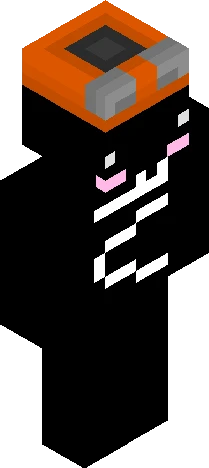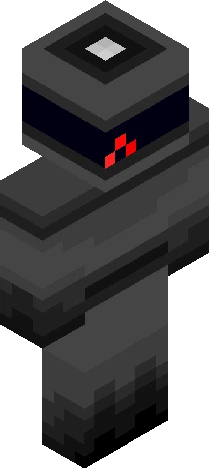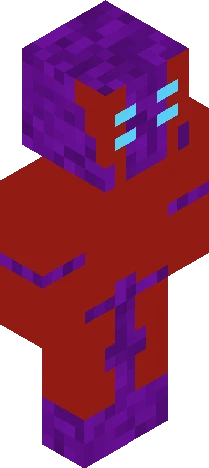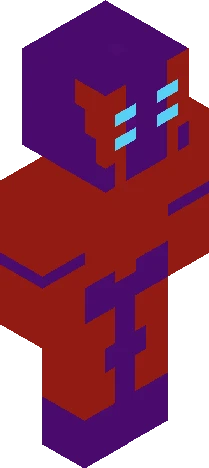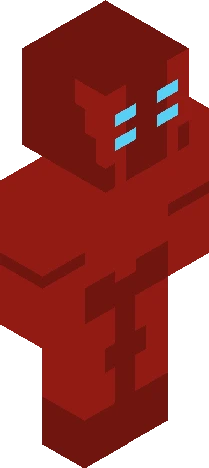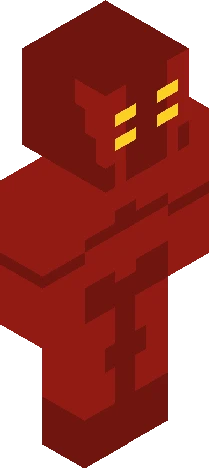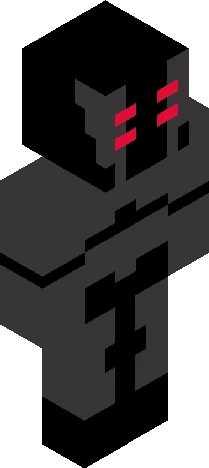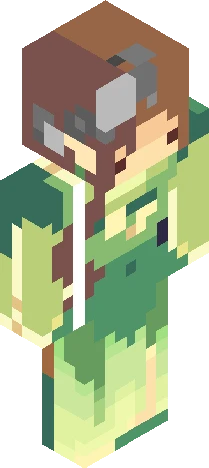
Home · 9V0LT73 · Falling Pt. 2
Click and drag to rotate
9V0LT73
Falling Pt. 2
Show moar Now a legend Of the one who turned innocence into a weapon Can’t stop for a second As I can’t return to my Heaven They believe me to be a demon who fell But they don’t know I never stopped falling... The one I gave my life for He didn’t know it was me anymore. He just wanted more- More power, more glory, more war. He left me weak, on the floor, Forgot the vow I once swore, And sealed me, locking that door. I just kept falling. Thousands of years in Hell And well, I can easily tell, That I’m nothing but a shell. Feels like I’m caught in an eternal spell. I don’t even know how far I fell Please, take me back I was pulled off track, I promise I won’t attack, My white is turning black, You can’t stop the crack I need help, for I can’t stop falling It sure is not news That I have nothing left to lose, That I have to choose, To keep moving through this dark cruise, That I have an eternal bruise. After all this, I’m still falling. I’m falling. I keep falling. I’ve been falling. I won’t stop falling. I can’t stop falling. I will forever be falling, In this eternal fall. You don’t know how far I've fallen... God is dead God is dead. God is dead. God is dead. GOD IS DEAD-
64×64 · classic or slim is detected from the PNG
Eaglercraft · Minecraft
Como usar este skin no Eaglercraft
Baixe o PNG e aplique no cliente Eaglercraft que você já usa. Os menus mudam conforme o site. Este site não distribui o jogo.
- 1Download the PNG with the button above.
- 2Open your Eaglercraft 1.8 client in the browser.
- 3On the title screen, open Options, then the skin control. It is often named Skin or Change Skin.
- 4Upload this PNG, or paste a direct image link if that menu asks for a URL.
- 5Join a world. The skin stays in this browser for that client.
Standard model · 64×64. Nunca pedimos a senha do jogo. Um arquivo de skin é só a arte.
Usar este skin no Minecraft
- 1Download the same PNG.
- 2In the Minecraft Launcher, open Skins and choose a new skin.
- 3Pick classic or slim so the arms match this skin, then upload the file.
- 4Bedrock can use this artwork where that device lets you import a custom skin PNG. The file itself is the standard Java skin layout.