
InfoBar (Compass but better)
by orp888 · 2026-09-24 · Data packs
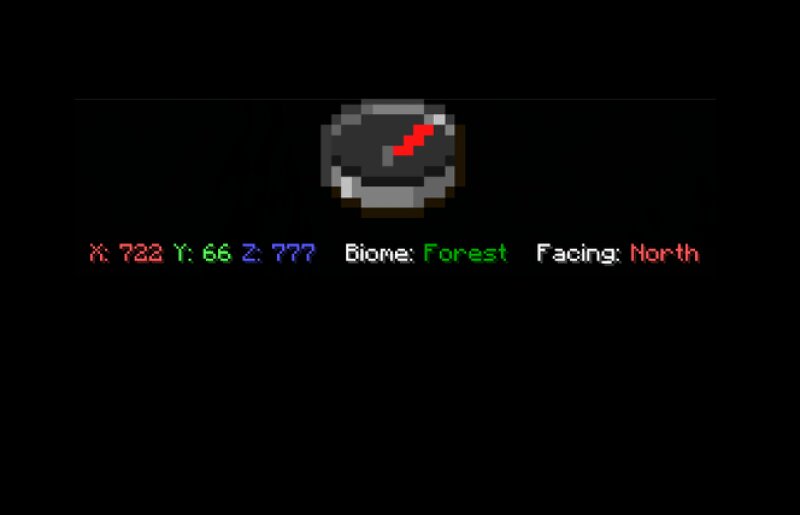
How to install and setup: 1. Go to modrinth from the download button 2. Click 'Versions' and select the green download button on the most recent version 3. Put the .zip file you downloaded in your datapacks folder of your minecraft world. To find that folder go to your minecraft world before you open it in the title screen, select 'edit' in the bottom left, and select 'open world folder' 4. Lastly you can reboot your world, or type /reload to set it up This datapack adds an actionbar you can toggle the shows your: - Coordinates - The biome you are in - And the direction you are facing How to use Simply type '/trigger Toggle.Infobar' and the actionbar will appear. You can use the same command to toggle it on and off