Home · Girl · oak leaves ; rce
Click and drag to rotate
Girl
oak leaves ; rce
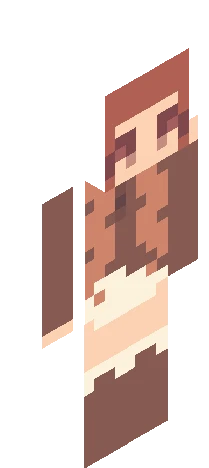
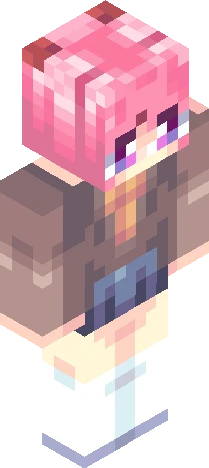
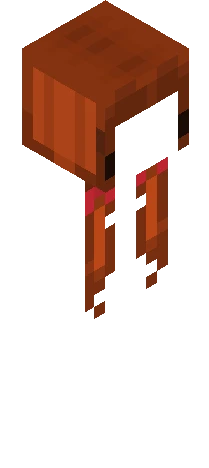
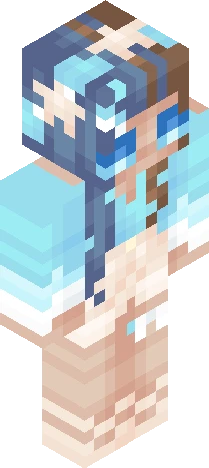
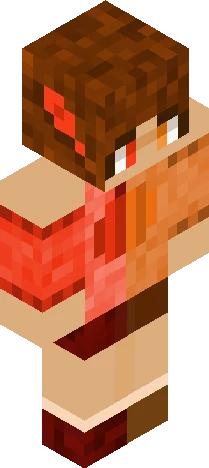
show more ^^ contest entry for mvngo : https://www.minecraftskins.com/skin/24305356/--fall----rc--/ omg the other entries 4 this are so intimidating did you guys know that the big leagues are calling... jokes aside, i tried to keep the changes to the design minimal, mostly just added accessories and tights to the legs :D once again bows obsession strikes me but thats ok guys we, me and you, yes WE, love bows anyway go enter mvngo's reshade and follow her cuz her skins r so cute go do it now !!!
64×64 · classic or slim is detected from the PNG
Eaglercraft · Minecraft
How to use this skin in Eaglercraft
Download the PNG, then apply it in the Eaglercraft client you already use. Menus differ by host. This site does not distribute the game.
- 1Download the PNG with the button above.
- 2Open your Eaglercraft 1.8 client in the browser.
- 3On the title screen, open Options, then the skin control. It is often named Skin or Change Skin.
- 4Upload this PNG, or paste a direct image link if that menu asks for a URL.
- 5Join a world. The skin stays in this browser for that client.
Standard model · 64×64. We never ask for a game password. A skin file is only artwork.
Use this skin in Minecraft
- 1Download the same PNG.
- 2In the Minecraft Launcher, open Skins and choose a new skin.
- 3Pick classic or slim so the arms match this skin, then upload the file.
- 4Bedrock can use this artwork where that device lets you import a custom skin PNG. The file itself is the standard Java skin layout.