

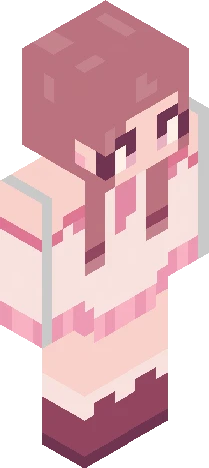
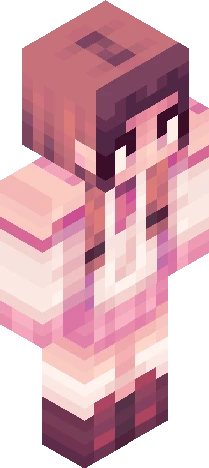
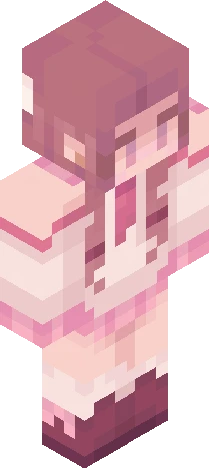
they forgot you exsited but i remember your smile that cute cute smile-rc
64×64 PNG · Java, Bedrock, Eaglercraft
Edit skinClick and drag to rotate
rr61
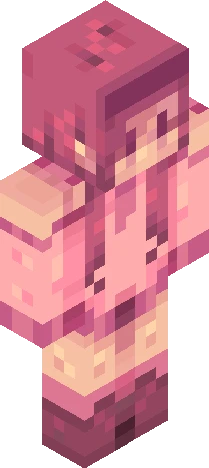
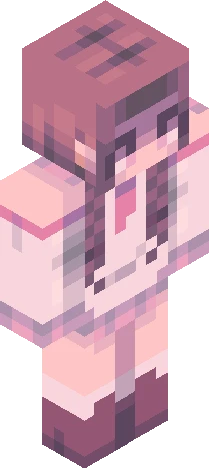
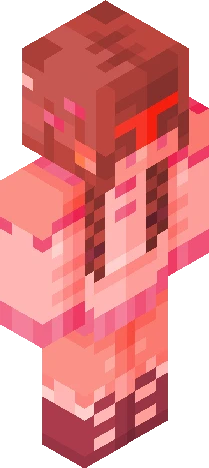
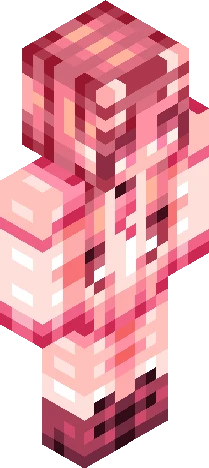
-=- Hey There! This one is another reused design of mine, from my bases account: https://www.minecraftskins.com/skin/18946462/-/ -=-=-=- Rules as usual: PLEASE READ <<<<< - you DONT need an invitation to join - hue shifting is allowed - Genderbending IS fine, just keep the design recognizable - Try to keep the design as recognizable as possible - no drastically changing colors - make sure its fully shaded - and of course, have fun! tag with "rr61” -=-=-=-=- The due date is October 3-4 And if you would like to sign up (or un-sign up) for notifications, here’s the link: https://www.minecraftskins.com/skin/23785937/-/
64×64 · classic or slim is detected from the PNG
Eaglercraft · Minecraft
Download the PNG, then apply it in the Eaglercraft client you already use. Menus differ by host. This site does not distribute the game.
Standard model · 64×64. We never ask for a game password. A skin file is only artwork.
64×64 PNG · Java, Bedrock, Eaglercraft
Edit skin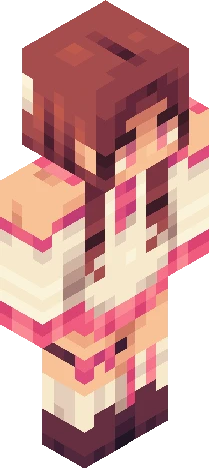
64×64 PNG · Java, Bedrock, Eaglercraft
Edit skin


