Home · Hoodie · Cinna'bun ~ rce
Click and drag to rotate
Hoodie
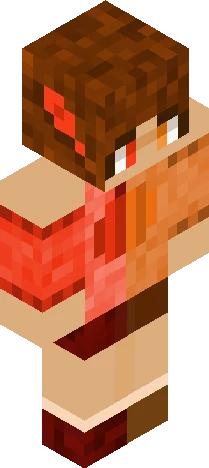
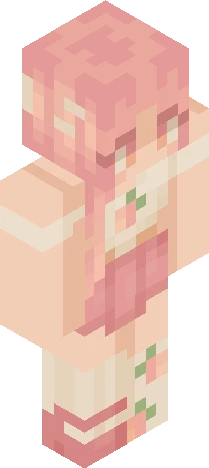
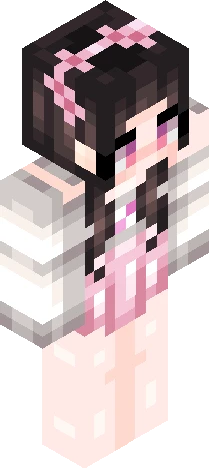
Cinna'bun ~ rce
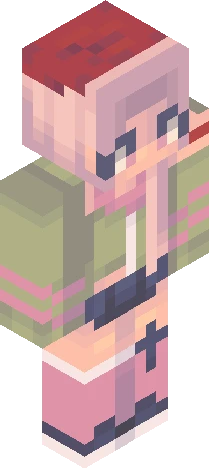
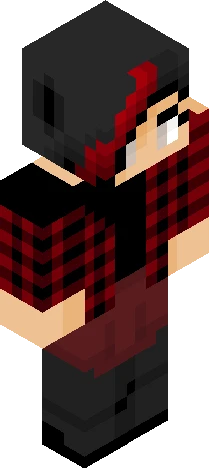
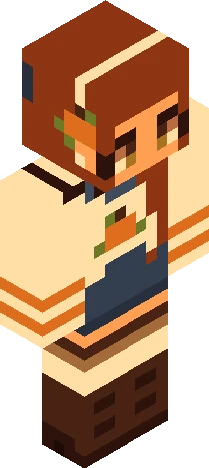
Show more! Hey there! I haven't posted in a while but I have been trying out light sourcing! Hope it looks good. Excuse the horrible hair shading. https://www.minecraftskins.com/skin/24325157/cinnamon-bun---500-rc/ Finally got one finished EDIT: Hey Guys! I forgot that I had to get this finished so I sloppily finished the last details late at night and posted it. The original name was going to be Crispy Cocoa, and I was going to try to do the hair shading better, but I hope for my first try at lightsourcing as a beginner, I made more experienced light-sourcers pleased at the most. Anyways, have a great day! -Trix
64×64 · classic or slim is detected from the PNG
Eaglercraft · Minecraft
How to use this skin in Eaglercraft
Download the PNG, then apply it in the Eaglercraft client you already use. Menus differ by host. This site does not distribute the game.
- 1Download the PNG with the button above.
- 2Open your Eaglercraft 1.8 client in the browser.
- 3On the title screen, open Options, then the skin control. It is often named Skin or Change Skin.
- 4Upload this PNG, or paste a direct image link if that menu asks for a URL.
- 5Join a world. The skin stays in this browser for that client.
Standard model · 64×64. We never ask for a game password. A skin file is only artwork.
Use this skin in Minecraft
- 1Download the same PNG.
- 2In the Minecraft Launcher, open Skins and choose a new skin.
- 3Pick classic or slim so the arms match this skin, then upload the file.
- 4Bedrock can use this artwork where that device lets you import a custom skin PNG. The file itself is the standard Java skin layout.