Home · Ohstarryy · .+* autumn bonfire *+
Click and drag to rotate
Ohstarryy
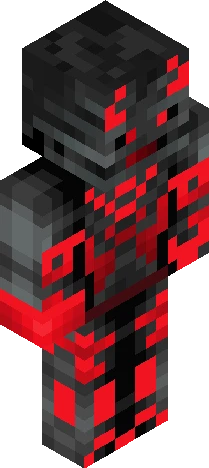
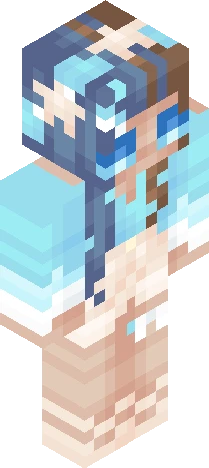
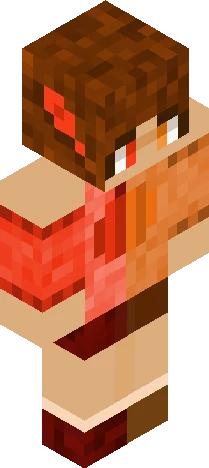
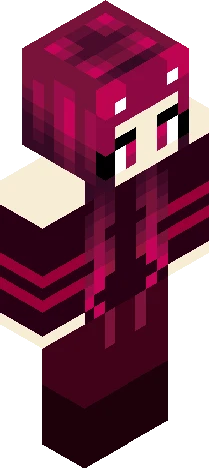
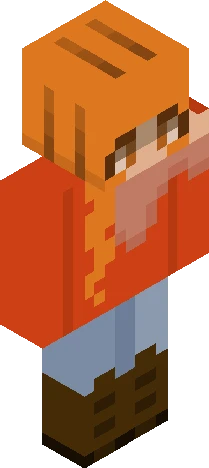
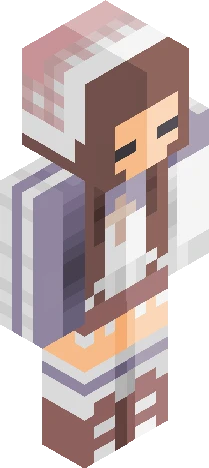
.+* autumn bonfire *+
.+* show more *+. Sorry I disappeared on you all! I’ve been super busyyy. I should be back now though! Anywaysss, I’m super hyped for fall! Autumn is my favorite time of year, so I’ll probably be joining some autumn-themed contests and making autumn skins for a good bit. So if anyone has a contest you’d like me to join, be sure to send them my way! Thank you all so much for checking out my skin! I hope you have a great day/night! <3 Friendly reminder: Please do not edit or reupload my skins without giving credit.
64×64 · classic or slim is detected from the PNG
Eaglercraft · Minecraft
How to use this skin in Eaglercraft
Download the PNG, then apply it in the Eaglercraft client you already use. Menus differ by host. This site does not distribute the game.
- 1Download the PNG with the button above.
- 2Open your Eaglercraft 1.8 client in the browser.
- 3On the title screen, open Options, then the skin control. It is often named Skin or Change Skin.
- 4Upload this PNG, or paste a direct image link if that menu asks for a URL.
- 5Join a world. The skin stays in this browser for that client.
Standard model · 64×64. We never ask for a game password. A skin file is only artwork.
Use this skin in Minecraft
- 1Download the same PNG.
- 2In the Minecraft Launcher, open Skins and choose a new skin.
- 3Pick classic or slim so the arms match this skin, then upload the file.
- 4Bedrock can use this artwork where that device lets you import a custom skin PNG. The file itself is the standard Java skin layout.