Home · TwilightSongs100 · Hope // CE
Click and drag to rotate
TwilightSongs100
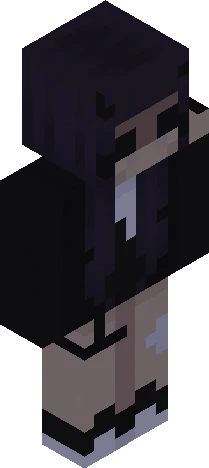
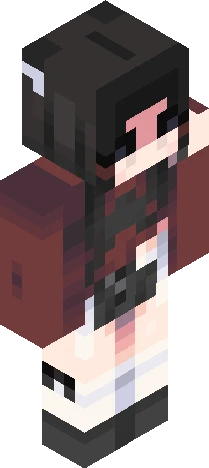
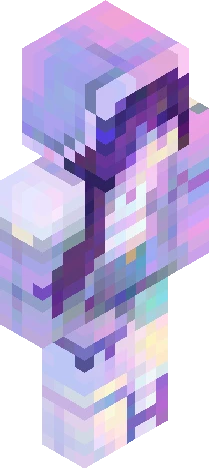
Hope // CE
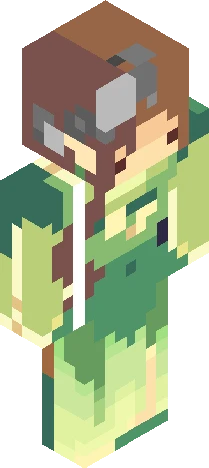
v expand for info v Entry for firegirl139's themed contest! Another late one, but I managed just in time. -> https://www.minecraftskins.com/skin/24297157/songs-of-the-twilight/ I actually wasn't going to participate in this since I felt a little burnt out, but then I saw the theme; "HOPE" is one of my absolute favourite songs, simply couldn't turn it down after that c: The concept is a girl clinging to 'hope' (the star), trying to escape from 'fear' (the hand on her back) while surrounded by pitch black darkness; it's supposed to be like the star is the only hope left, and fear's racing to grab it- this sounds rather ridiculous, sorry! But I believe it would be hard to decipher the skin without an explanation.. o<o And of course this was rushed, so I apologise for the messy bits- but still I hope you all enjoy ~ ! <3
64×64 · classic or slim is detected from the PNG
Eaglercraft · Minecraft
How to use this skin in Eaglercraft
Download the PNG, then apply it in the Eaglercraft client you already use. Menus differ by host. This site does not distribute the game.
- 1Download the PNG with the button above.
- 2Open your Eaglercraft 1.8 client in the browser.
- 3On the title screen, open Options, then the skin control. It is often named Skin or Change Skin.
- 4Upload this PNG, or paste a direct image link if that menu asks for a URL.
- 5Join a world. The skin stays in this browser for that client.
Standard model · 64×64. We never ask for a game password. A skin file is only artwork.
Use this skin in Minecraft
- 1Download the same PNG.
- 2In the Minecraft Launcher, open Skins and choose a new skin.
- 3Pick classic or slim so the arms match this skin, then upload the file.
- 4Bedrock can use this artwork where that device lets you import a custom skin PNG. The file itself is the standard Java skin layout.