
Phainon 🌾 Figura Avatar
by ElenaNya · 2026-07-18 · Texture packs
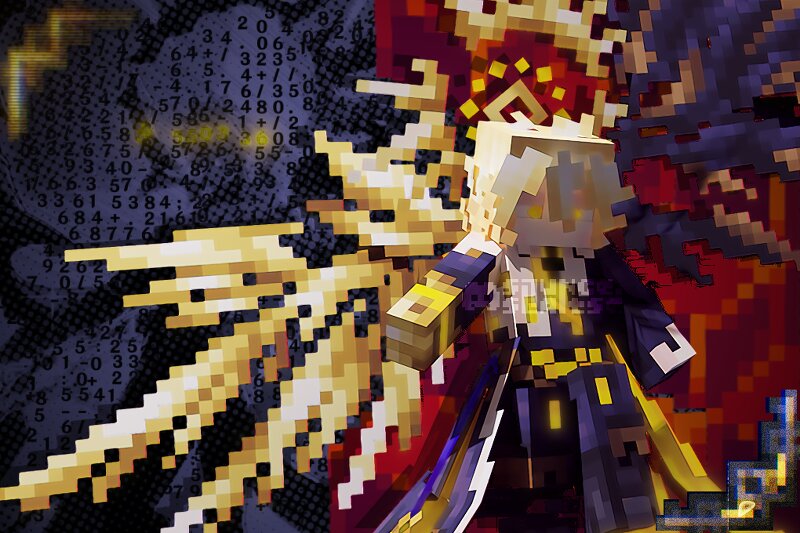
✨ Figura Avatar of Phainon from Honkai: Star Rail! 🚀 I'd love to write more here, but it feels like I've already said everything in the trailer / small guide you get after purchase 😅 💬 Future plans, help & tips: slunce.slantse 🌻 discord.gg/WPEg73QKwc 📥 Installation: Download Figura mod and place the Avatar 🌾 into the avatars folder. (If you're unsure how to do this, feel free to join the Discord for help!) 🗂️ To find the avatars folder: • Enter any singleplayer or multiplayer world • Open the settings menu (default key: Esc) • Look to the right side for a small triangle icon - click it • In the menu that opens, find the folder icon in the top left corner - that's your avatars folder! ⚙️ MAIN FEATURES: • Support for disabling the second layer • Shaders support • Extensive optimization work • Action wheel (default key: B) • Reactive wings, halo, skirt... • Animated nameplate and stickers • Hidden features • Animated textures • Configured synchronization • Over-detailed eyes • Armor compatibility • And more! • As a bonus, you also get the Phainon Minecraft skin for Vanilla Minecraft! Also! This avatar should work with many (probably even all?) mods and Minecraft versions! Since it doe