
banners on beds
by misterperson22 · 2026-08-01 · Texture packs
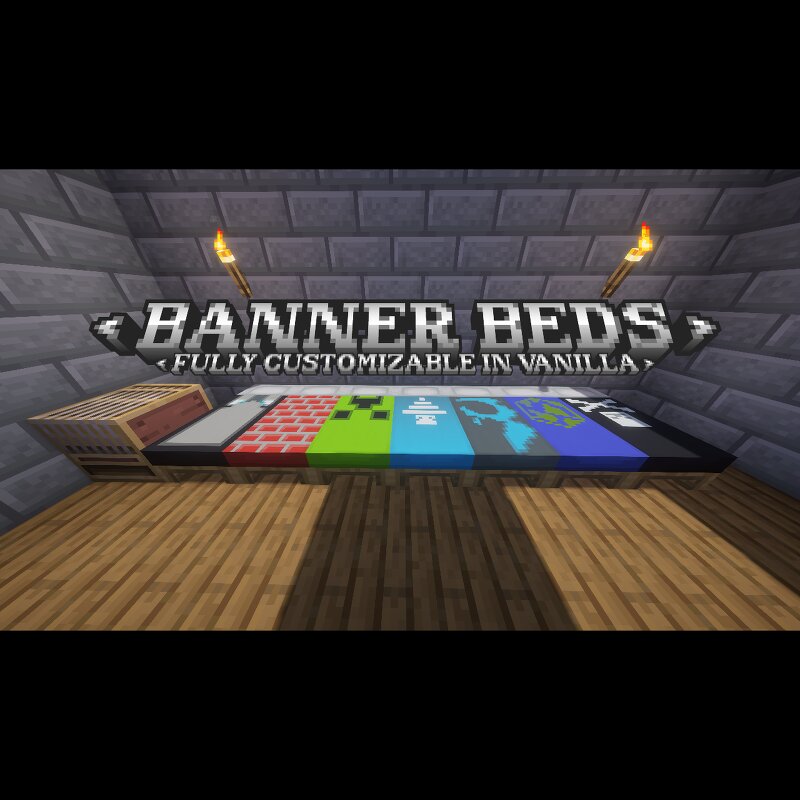
just a quick and dirty proof-of-concept using item display modifiers completely in vanilla. how to use: Put item frame on ground 2 blocks below bed. so right under your floor. put banner in item frame and rotate it so it matches the bed. The banner should be in the bed partially so just the banner pattern shows through on the bed. place block at head of bed to stop banner stick from poking through. Known issues: The banner disappears if the item frame goes too far off your screen due to the game thinking it can stop rendering the item frame because it is offscreen. however because the banner is now positioned away from the item frame using item display modifiers the item frame can go offscreen without the banner going offscreen. this causes the banner to disappear. the banner appears black if the item frame is not exposed to a light source. this is a pretty simple fix; just add a torch on the item frame. The stick of the banner pokes out of the bed. to fix this, just place a block at the head of the bed to hide it. If you are using optifine, I have edited the banner's model so that the banner stick does not poke out of the bed.