Home · Colours Merging · Red To Yellow Duck
Click and drag to rotate
Colours Merging
Red To Yellow Duck
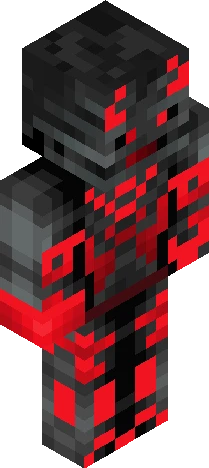
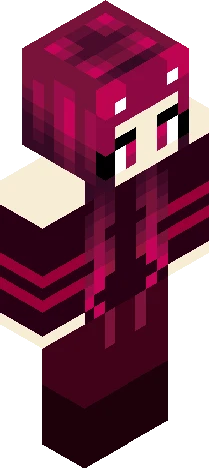
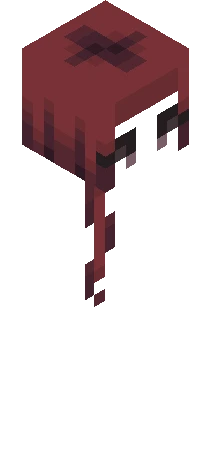
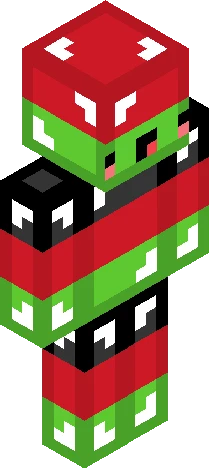
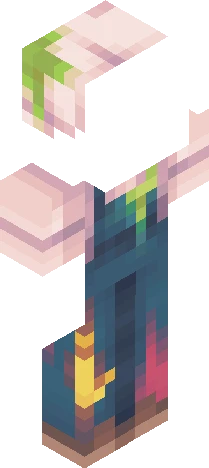
Red to Yellow Duck has made it it my uploads! Red to Yellow duck managed to be the most boring and long skin I've done so far. Yet I finished it and here it is. I think it looks quite good, well thanks for the support I managed to get my goal of 25 likes. (I logged on today and I had 52 likes) that means my goal at the moment it 75 likes and 5 followers! I hope you can help make this possible. BYE!
64×64 · classic or slim is detected from the PNG
Eaglercraft · Minecraft
このスキンを Eaglercraft で使う
PNG をダウンロードし、今使っている Eaglercraft クライアントで適用します。メニューはホストごとに違います。このサイトはゲーム本体を配布しません。
- 1Download the PNG with the button above.
- 2Open your Eaglercraft 1.8 client in the browser.
- 3On the title screen, open Options, then the skin control. It is often named Skin or Change Skin.
- 4Upload this PNG, or paste a direct image link if that menu asks for a URL.
- 5Join a world. The skin stays in this browser for that client.
Standard model · 64×64. ゲームのパスワードは聞きません。スキンファイルは画像だけです。
このスキンを Minecraft で使う
- 1Download the same PNG.
- 2In the Minecraft Launcher, open Skins and choose a new skin.
- 3Pick classic or slim so the arms match this skin, then upload the file.
- 4Bedrock can use this artwork where that device lets you import a custom skin PNG. The file itself is the standard Java skin layout.