Home · Aesthetic · . difficult love - ce
Click and drag to rotate
Aesthetic
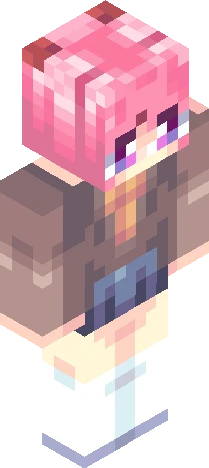
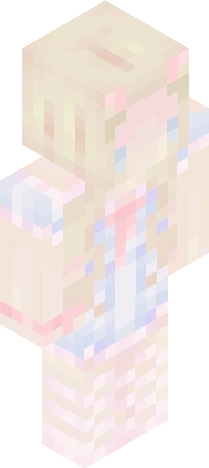
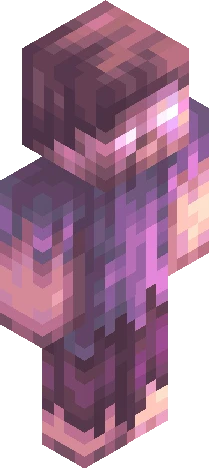
. difficult love - ce
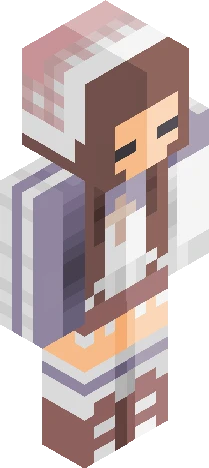
> difficult love ; malcolm todd i wanted to know you, i wanted to see your eyes in mine ... I loved you before I could even say it, and i'll miss you before you walk away. i'm in deep, but i don't know if i can chase it i'll miss you, but I know that you can't stay ... i wanted you to call for: https://www.minecraftskins.com/skin/24350444/-/ i got too carried away w the coloring idk if its too off from the og so maybe this entry is dqed -- 9.29.26
64×64 · classic or slim is detected from the PNG
Eaglercraft · Minecraft
このスキンを Eaglercraft で使う
PNG をダウンロードし、今使っている Eaglercraft クライアントで適用します。メニューはホストごとに違います。このサイトはゲーム本体を配布しません。
- 1Download the PNG with the button above.
- 2Open your Eaglercraft 1.8 client in the browser.
- 3On the title screen, open Options, then the skin control. It is often named Skin or Change Skin.
- 4Upload this PNG, or paste a direct image link if that menu asks for a URL.
- 5Join a world. The skin stays in this browser for that client.
Standard model · 64×64. ゲームのパスワードは聞きません。スキンファイルは画像だけです。
このスキンを Minecraft で使う
- 1Download the same PNG.
- 2In the Minecraft Launcher, open Skins and choose a new skin.
- 3Pick classic or slim so the arms match this skin, then upload the file.
- 4Bedrock can use this artwork where that device lets you import a custom skin PNG. The file itself is the standard Java skin layout.