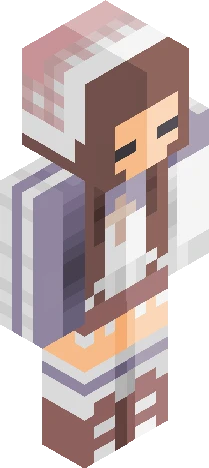
Home · Cute · \ Pumpkin Dino + new video! /
Click and drag to rotate
Cute
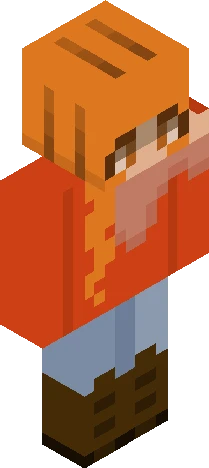
\ Pumpkin Dino + new video! /
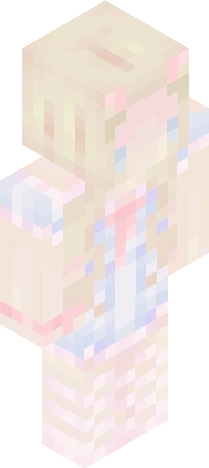
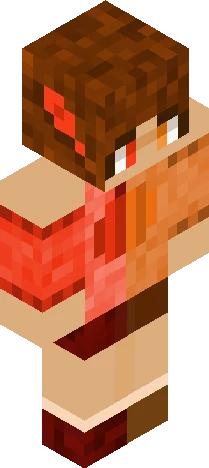
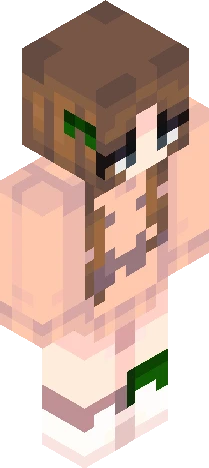
v expand for info v hullo ~ here is an outfit I made for my little Dino character, in preparation for the Fall festival on PMC c: this was last years one: https://www.planetminecraft.com/skin/pumpkin-witch-je-remake/ I've been focused a lot more on my channel lately, especially since my videos take so long to edit- I'm still relatively new to creating videos in general, so any advice/feedback would truly be appreciated (criticism even, I don't mind :D)! I made a speed-paint for b-t-s of Dino's new outfit, and also a mini story to go with it; linked below for anyone curious: -> https://youtu.be/UFErmP92Yio <3 haven't had a chance to fulfil many reshade skins (sorry everyone! ><) but I would like to catch up on a few, and also finish the skin for my own :3 that'll be all, but I hope you enjoy ~ !
64×64 · classic or slim is detected from the PNG
Eaglercraft · Minecraft
このスキンを Eaglercraft で使う
PNG をダウンロードし、今使っている Eaglercraft クライアントで適用します。メニューはホストごとに違います。このサイトはゲーム本体を配布しません。
- 1Download the PNG with the button above.
- 2Open your Eaglercraft 1.8 client in the browser.
- 3On the title screen, open Options, then the skin control. It is often named Skin or Change Skin.
- 4Upload this PNG, or paste a direct image link if that menu asks for a URL.
- 5Join a world. The skin stays in this browser for that client.
Standard model · 64×64. ゲームのパスワードは聞きません。スキンファイルは画像だけです。
このスキンを Minecraft で使う
- 1Download the same PNG.
- 2In the Minecraft Launcher, open Skins and choose a new skin.
- 3Pick classic or slim so the arms match this skin, then upload the file.
- 4Bedrock can use this artwork where that device lets you import a custom skin PNG. The file itself is the standard Java skin layout.