Home · 10000SNY · {~}>=F L U C T I-V-A G A N T=<{~}
Click and drag to rotate
10000SNY
{~}>=F L U C T I-V-A G A N T=<{~}
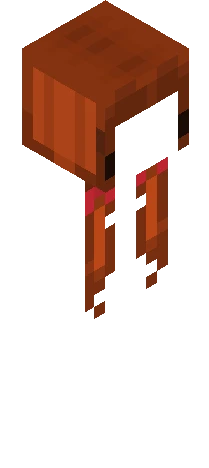
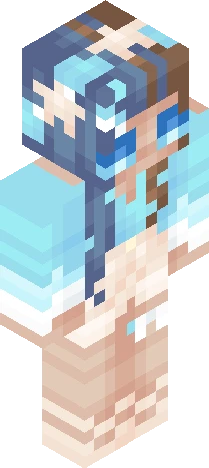
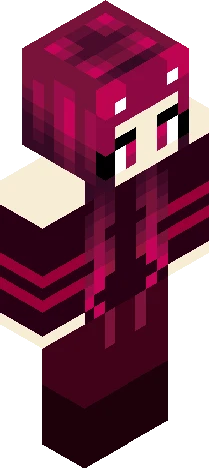
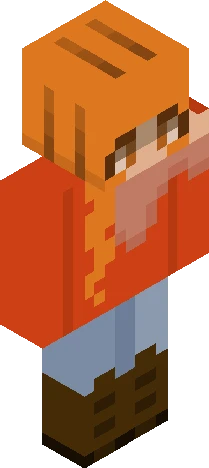
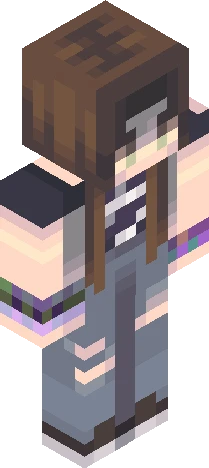
"The cure for anything is salt water: sweat, tears, or the sea." ~Karen Blixen Character Facts: Name: Galene Age: 20 Birthday: February 21st Likes: Oceanography and English, to which she is on track to dual majour; books and literature with a marine focus; geographical exploration Hates: when somebody gets something wrong, even smaller things -> societal perfectionist; large crowds. Experimented with the neutral tones with this one a bit more than the previous two. I like how the green, bleu, and red/orange mix together on the back. Made as a submission for StarDawn’s 500 followers Reshade Contest: https://www.minecraftskins.com/skin/24295459/--sea-waves------10-000-likes-rc/
64×64 · classic or slim is detected from the PNG
Eaglercraft · Minecraft
このスキンを Eaglercraft で使う
PNG をダウンロードし、今使っている Eaglercraft クライアントで適用します。メニューはホストごとに違います。このサイトはゲーム本体を配布しません。
- 1Download the PNG with the button above.
- 2Open your Eaglercraft 1.8 client in the browser.
- 3On the title screen, open Options, then the skin control. It is often named Skin or Change Skin.
- 4Upload this PNG, or paste a direct image link if that menu asks for a URL.
- 5Join a world. The skin stays in this browser for that client.
Standard model · 64×64. ゲームのパスワードは聞きません。スキンファイルは画像だけです。
このスキンを Minecraft で使う
- 1Download the same PNG.
- 2In the Minecraft Launcher, open Skins and choose a new skin.
- 3Pick classic or slim so the arms match this skin, then upload the file.
- 4Bedrock can use this artwork where that device lets you import a custom skin PNG. The file itself is the standard Java skin layout.