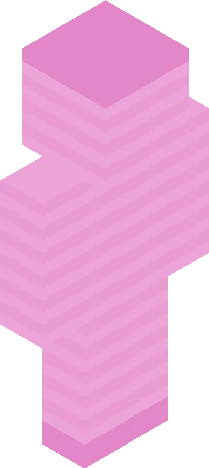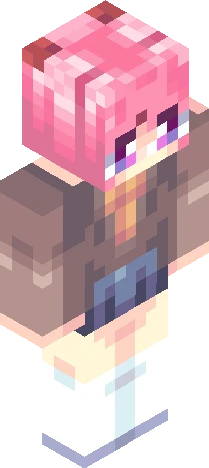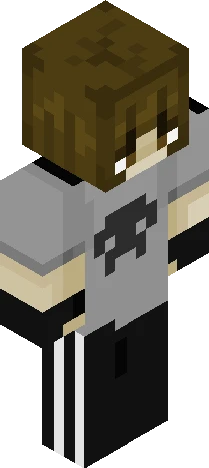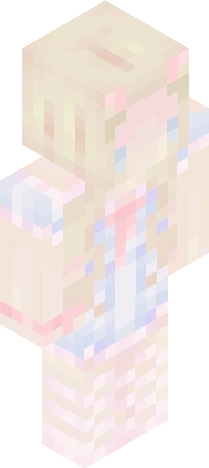
Click and drag to rotate
2010s
cookie crumbs
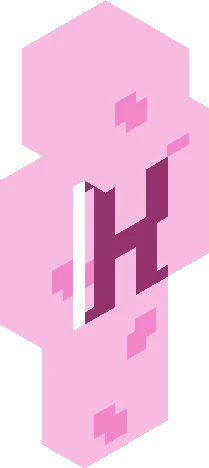
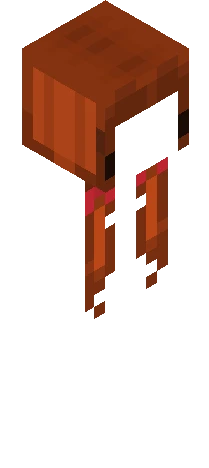
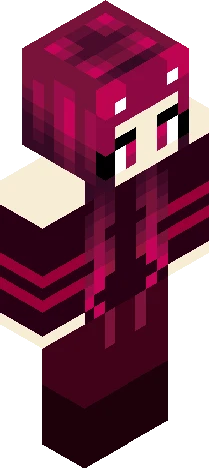
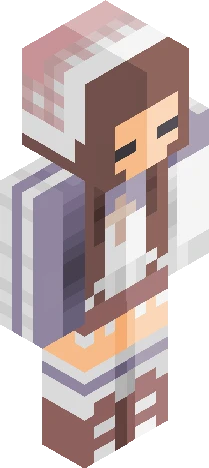
show more... <3 apparently wearing an entire cookie is not enough, so i had to put them on her ears too cookie recipe: + stripy tights + cookie earmuffs + bunny uggs + cookie tee + little pink bow + one bandaid for good measure ---- > <3 currently listening to: [ Rosemary ] - Deftones ~ Koi No Yokan ~ listening to a lot of Deftones recently... xoxo ^_^ :::
64×64 · classic or slim is detected from the PNG
Eaglercraft · Minecraft
このスキンを Eaglercraft で使う
PNG をダウンロードし、今使っている Eaglercraft クライアントで適用します。メニューはホストごとに違います。このサイトはゲーム本体を配布しません。
- 1Download the PNG with the button above.
- 2Open your Eaglercraft 1.8 client in the browser.
- 3On the title screen, open Options, then the skin control. It is often named Skin or Change Skin.
- 4Upload this PNG, or paste a direct image link if that menu asks for a URL.
- 5Join a world. The skin stays in this browser for that client.
Standard model · 64×64. ゲームのパスワードは聞きません。スキンファイルは画像だけです。
このスキンを Minecraft で使う
- 1Download the same PNG.
- 2In the Minecraft Launcher, open Skins and choose a new skin.
- 3Pick classic or slim so the arms match this skin, then upload the file.
- 4Bedrock can use this artwork where that device lets you import a custom skin PNG. The file itself is the standard Java skin layout.