Home · Camping · .-=!-Hiking a trail-!=-
Click and drag to rotate
Camping
.-=!-Hiking a trail-!=-
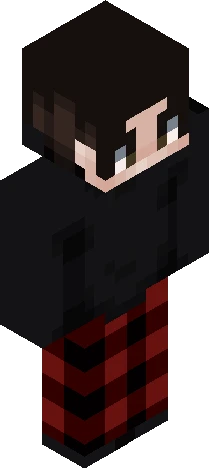
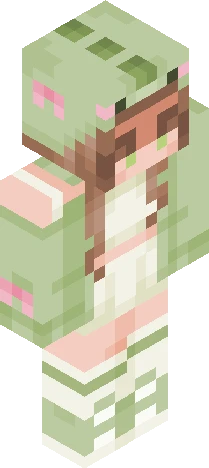
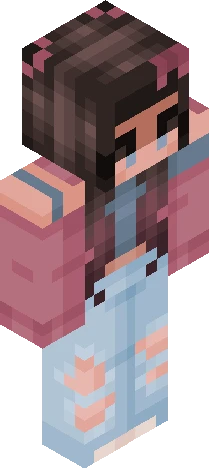
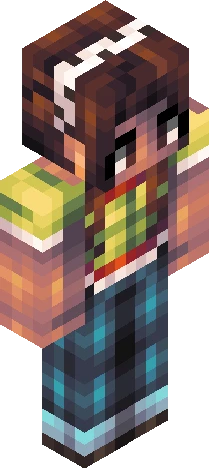
🏞️ Squish dat show more button 🏞️ Just a hiking skin I did for fun :) I also played around with the shading, lemme know what you think of it! She is wearing a teal and white-ish teal colored shirt, green cargo pants, a teal jacket tied around her waist, hiking boots with a red bit of fabric decorating them, three different multicolored bracelets, a wrist watch, a teal and white ballcap with a sunset embroidered onto it, a navy blue backpack with light pink and hot pink hearts and matching tassels on the zippers, and last but not least, her hair is in a french braid. :D I'm gonna have to get really creative with the tags now. XD
64×64 · classic or slim is detected from the PNG
Eaglercraft · Minecraft
このスキンを Eaglercraft で使う
PNG をダウンロードし、今使っている Eaglercraft クライアントで適用します。メニューはホストごとに違います。このサイトはゲーム本体を配布しません。
- 1Download the PNG with the button above.
- 2Open your Eaglercraft 1.8 client in the browser.
- 3On the title screen, open Options, then the skin control. It is often named Skin or Change Skin.
- 4Upload this PNG, or paste a direct image link if that menu asks for a URL.
- 5Join a world. The skin stays in this browser for that client.
Standard model · 64×64. ゲームのパスワードは聞きません。スキンファイルは画像だけです。
このスキンを Minecraft で使う
- 1Download the same PNG.
- 2In the Minecraft Launcher, open Skins and choose a new skin.
- 3Pick classic or slim so the arms match this skin, then upload the file.
- 4Bedrock can use this artwork where that device lets you import a custom skin PNG. The file itself is the standard Java skin layout.
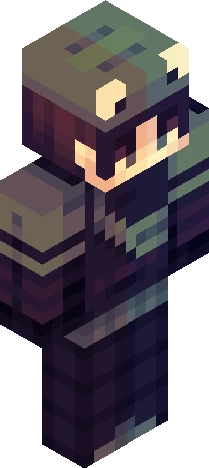
![Deltarune ~ Kris [ Light World ] Minecraft skin preview](https://cdn.eaglercraft.studio/skins/m24291019/preview.webp)