Home · bybunni · .- sweet - persona -
Click and drag to rotate
bybunni
.- sweet - persona -
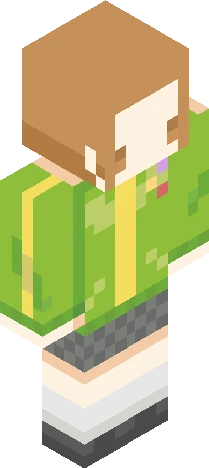
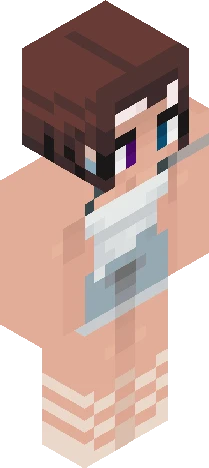
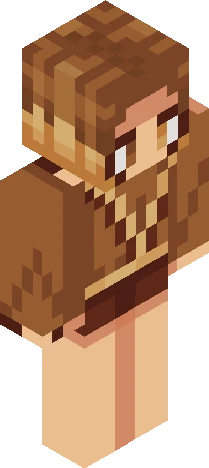
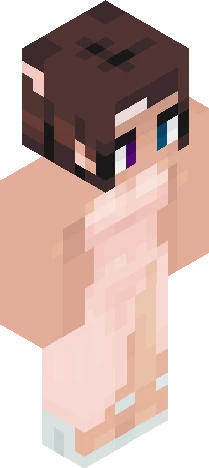
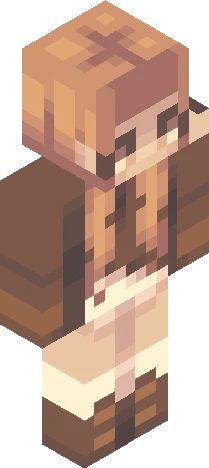
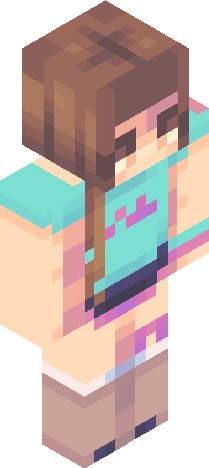
- cas (abbreviation of their actual name cuz it might b censored) ok I will stop changing pfps and personas I think the shoes are super cute, they're little bunnies hehe this will be my persona from now on! I probably won't change unless my shading style changes drastically. do not steal, repost or edit without my permission and crediting me. thank you and bye!! <3 pink . bunny .cute .brunette .hair clips . slippers . rabbit . girl . jumper . sweater . hoodie . jeans . denim . socks . tank. top . oversized . top I messed this up but wtv lol
64×64 · classic or slim is detected from the PNG
Eaglercraft · Minecraft
このスキンを Eaglercraft で使う
PNG をダウンロードし、今使っている Eaglercraft クライアントで適用します。メニューはホストごとに違います。このサイトはゲーム本体を配布しません。
- 1Download the PNG with the button above.
- 2Open your Eaglercraft 1.8 client in the browser.
- 3On the title screen, open Options, then the skin control. It is often named Skin or Change Skin.
- 4Upload this PNG, or paste a direct image link if that menu asks for a URL.
- 5Join a world. The skin stays in this browser for that client.
Standard model · 64×64. ゲームのパスワードは聞きません。スキンファイルは画像だけです。
このスキンを Minecraft で使う
- 1Download the same PNG.
- 2In the Minecraft Launcher, open Skins and choose a new skin.
- 3Pick classic or slim so the arms match this skin, then upload the file.
- 4Bedrock can use this artwork where that device lets you import a custom skin PNG. The file itself is the standard Java skin layout.