Home · Summer · Sea Shells // CE
Click and drag to rotate
Summer
Sea Shells // CE
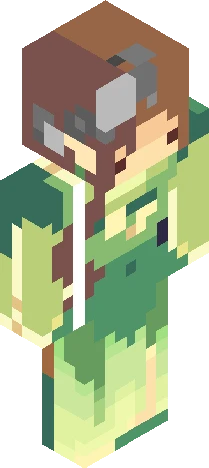
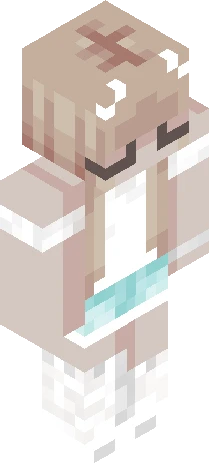
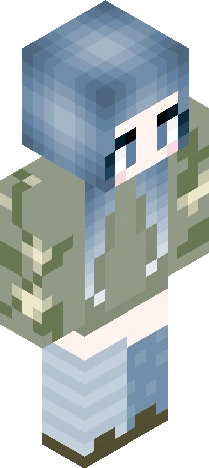
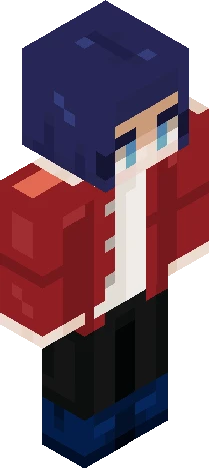
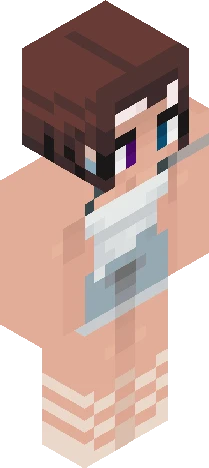
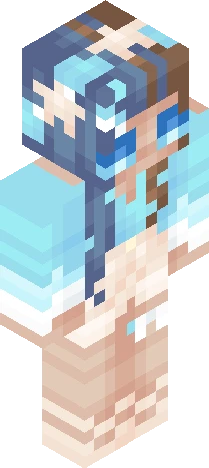
v expand for info v hullo ~ this is a contest entry for the Summer Jam c: -> https://www.planetminecraft.com/jam/summer2026/ I was inspired by sea shells (hence the theme), but also by the 'Splish-Splash' base from MysteryMaiden! It gave me the idea to do one huge wave as the hair. Which brings me to the next thing- I happened to record the hair-in-the-making; I've been playing around with different colours and thought that would be interesting to see in action :o -> https://youtube.com/shorts/0cms6UHxcpI <3 Currently I'm working on a few contest entries, so I hope to be finished with those soon ~ that'll be all for now, thank you for viewing and enjoy ! <3
64×64 · classic or slim is detected from the PNG
Eaglercraft · Minecraft
このスキンを Eaglercraft で使う
PNG をダウンロードし、今使っている Eaglercraft クライアントで適用します。メニューはホストごとに違います。このサイトはゲーム本体を配布しません。
- 1Download the PNG with the button above.
- 2Open your Eaglercraft 1.8 client in the browser.
- 3On the title screen, open Options, then the skin control. It is often named Skin or Change Skin.
- 4Upload this PNG, or paste a direct image link if that menu asks for a URL.
- 5Join a world. The skin stays in this browser for that client.
Standard model · 64×64. ゲームのパスワードは聞きません。スキンファイルは画像だけです。
このスキンを Minecraft で使う
- 1Download the same PNG.
- 2In the Minecraft Launcher, open Skins and choose a new skin.
- 3Pick classic or slim so the arms match this skin, then upload the file.
- 4Bedrock can use this artwork where that device lets you import a custom skin PNG. The file itself is the standard Java skin layout.