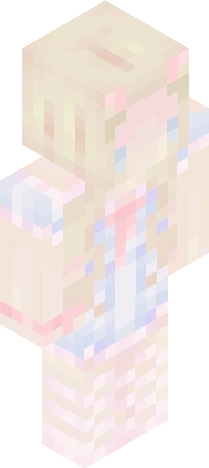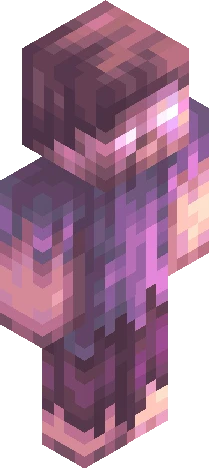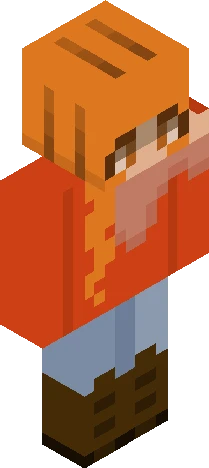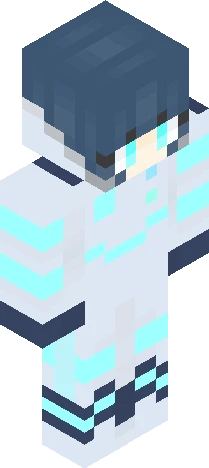
Click and drag to rotate
Aesthetic
. north
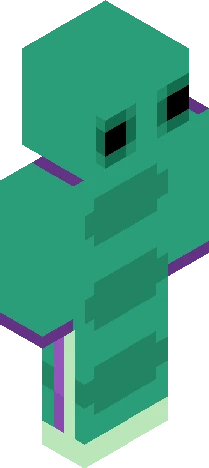
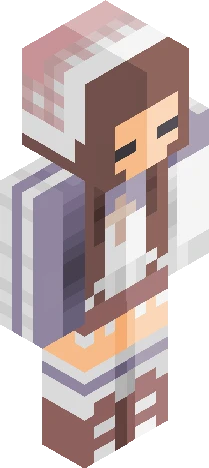
show more . + * do you think that you could stay? i need more time, i need to get away from here pour my love out spill it all on the ground is it all in my head? what are you saying? usually i'd be fine, but my head is spinning i never let anybody in somehow you got under my skin never seen a face like yours i got it together, but my breath feels short i don't wanna close the door maybe i should just go up north - north; clairo . + * . for this contest (go join!!): https://www.minecraftskins.com/skin/24358692/mycelium---rc/ . + * i liked the design, so i joined :) i added my warm tint and made slight changes to suit my shading style; i hope the changes aren't too far from the original skin's design :/ this was rlly fun to do... i thought it'd be hard but it went strangely well for me O.o uhh
64×64 · classic or slim is detected from the PNG
Eaglercraft · Minecraft
Cara memakai skin ini di Eaglercraft
Unduh PNG, lalu terapkan di klien Eaglercraft yang sudah Anda pakai. Menu berbeda tiap host. Situs ini tidak membagikan game.
- 1Download the PNG with the button above.
- 2Open your Eaglercraft 1.8 client in the browser.
- 3On the title screen, open Options, then the skin control. It is often named Skin or Change Skin.
- 4Upload this PNG, or paste a direct image link if that menu asks for a URL.
- 5Join a world. The skin stays in this browser for that client.
Standard model · 64×64. Kami tidak pernah meminta kata sandi game. Berkas skin hanya gambar.
Pakai skin ini di Minecraft
- 1Download the same PNG.
- 2In the Minecraft Launcher, open Skins and choose a new skin.
- 3Pick classic or slim so the arms match this skin, then upload the file.
- 4Bedrock can use this artwork where that device lets you import a custom skin PNG. The file itself is the standard Java skin layout.